Climb with context · Free
See routes in 3D
Recognise the wall and its lines before you tie in.
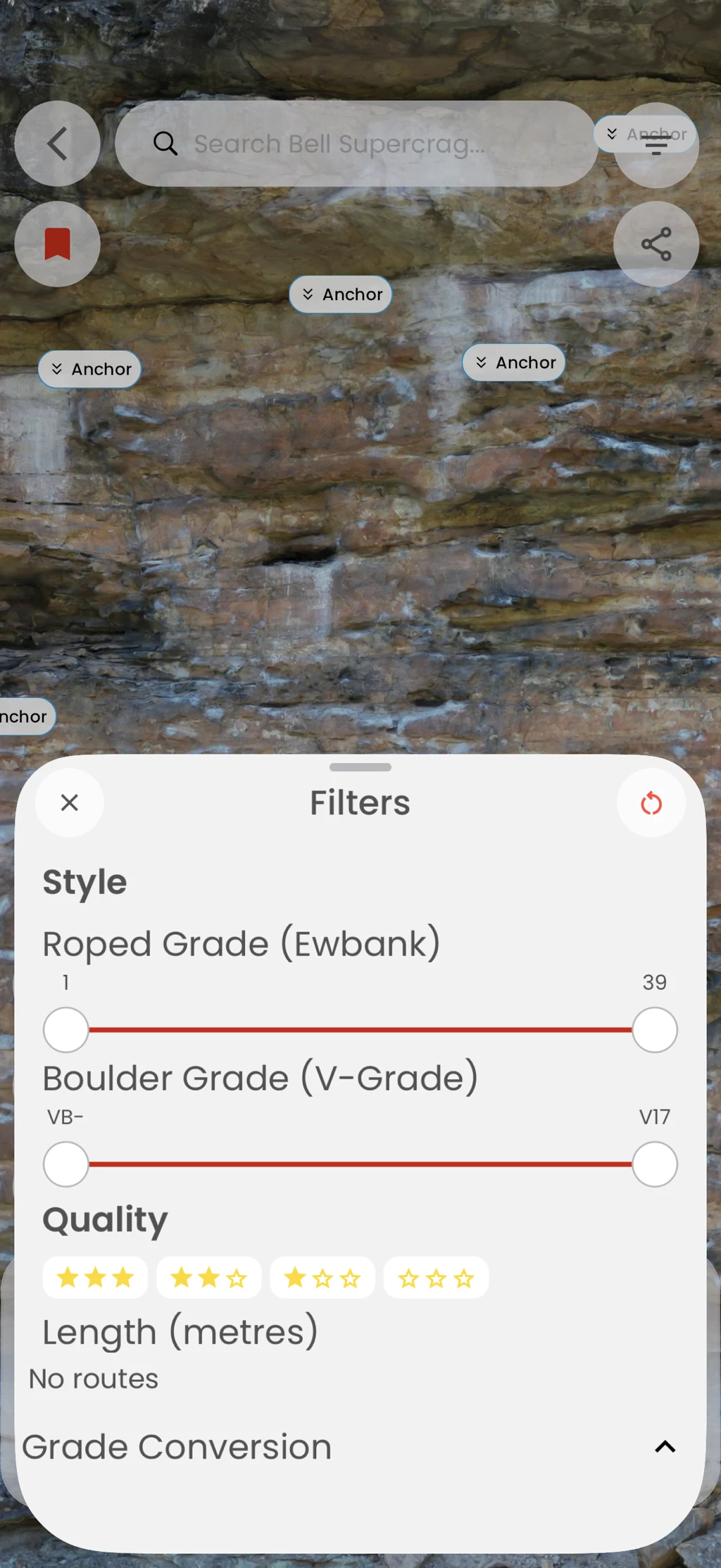
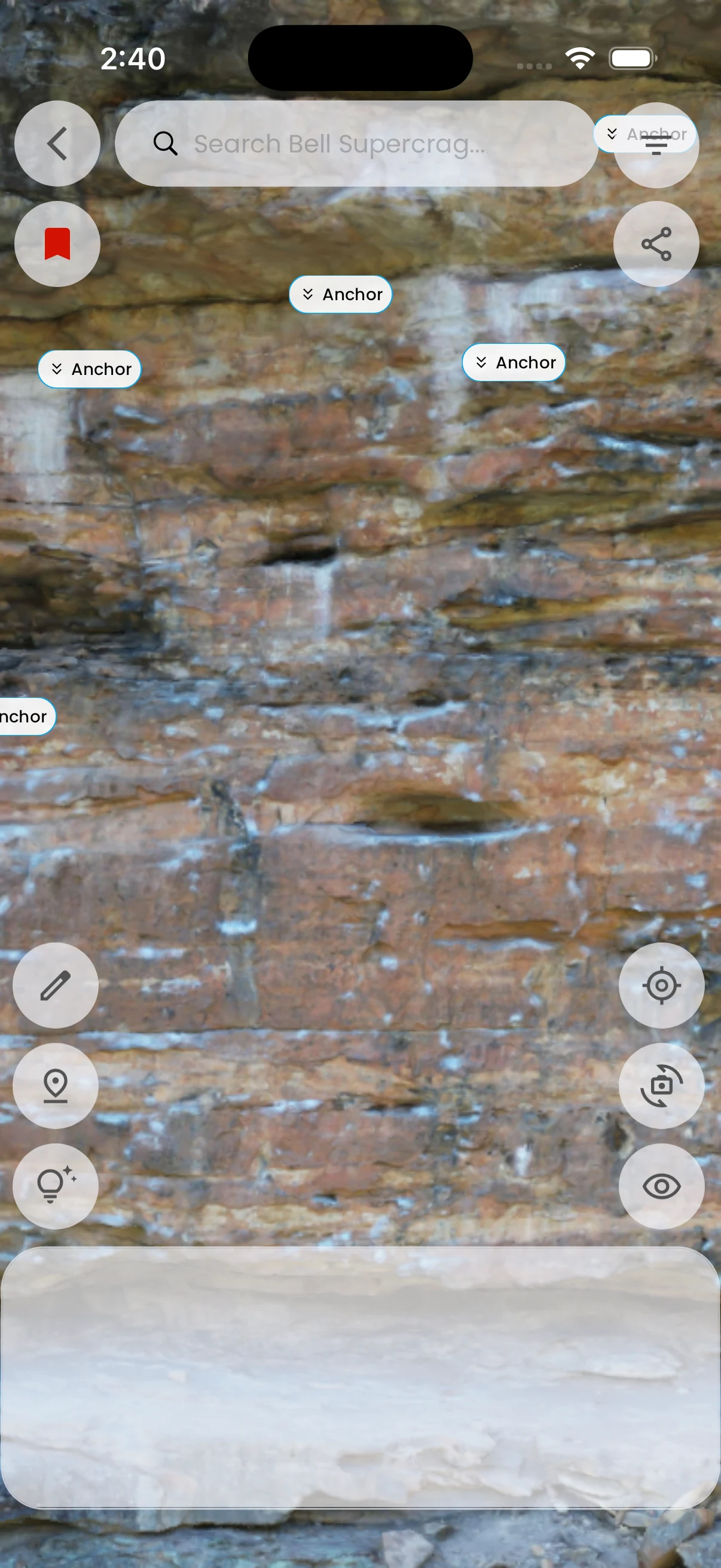
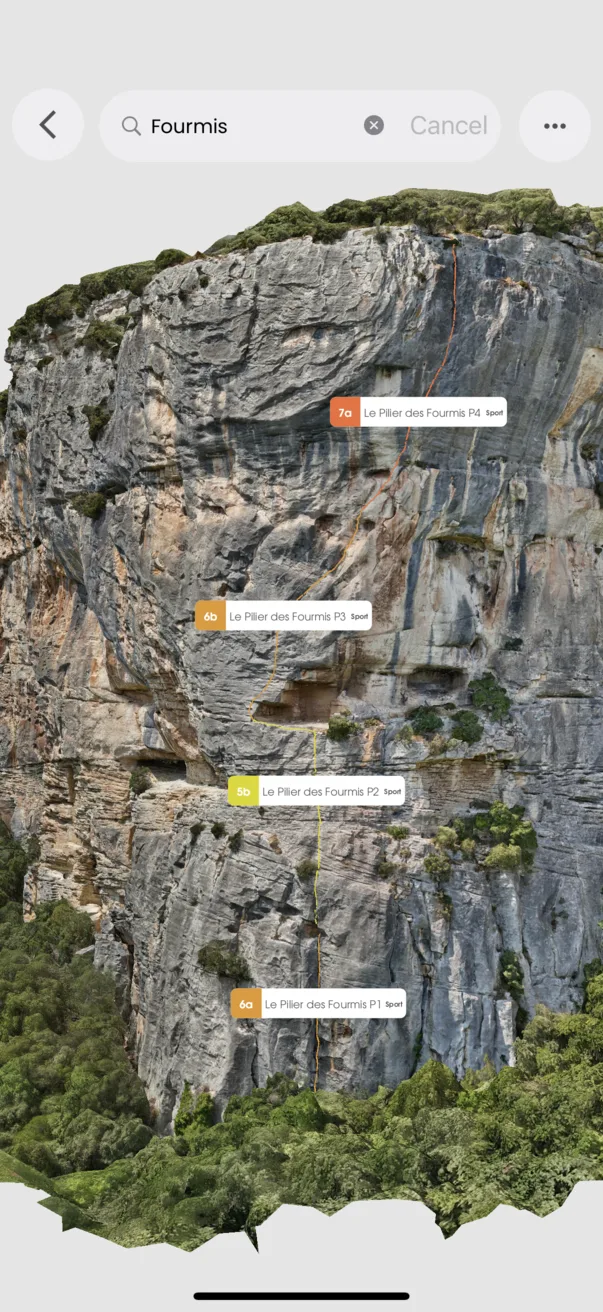
Explore a model of the cliff, orbit to understand its shape, and select routes drawn in their position on the rock.
In the app
How it works
- 01
Open an area with a 3D guide.
- 02
Orbit the model to find the part of the wall you want.
- 03
Select a route to see its line and details.