Climb with context · Free
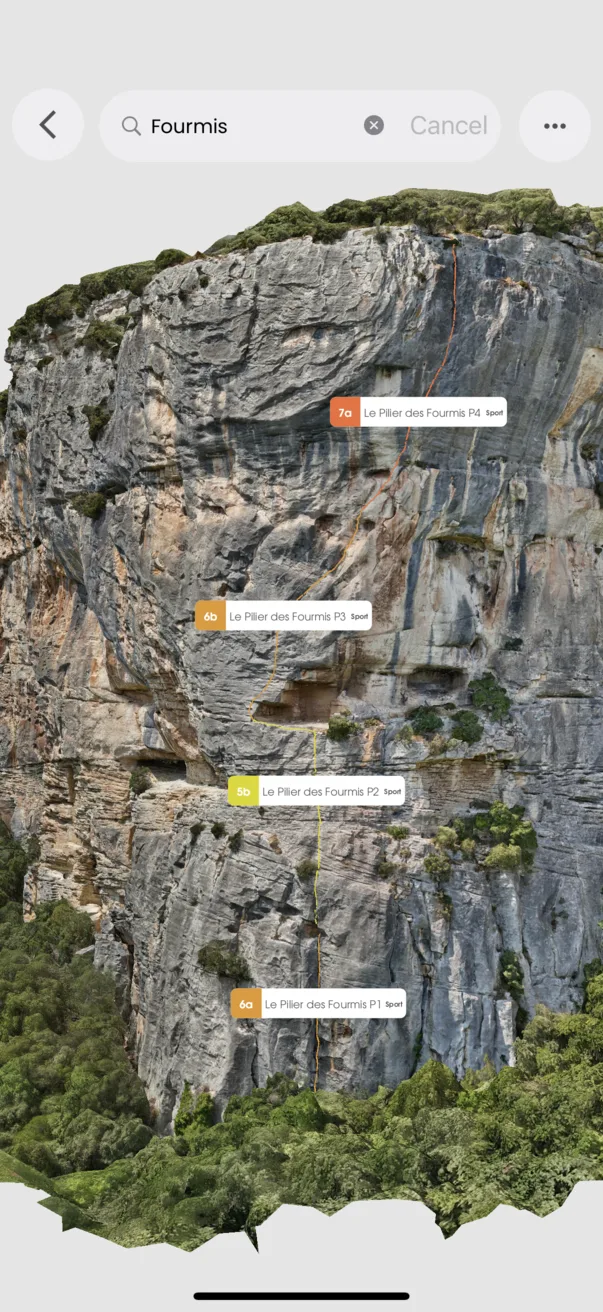
Focus a busy 3D wall
See the lines that matter to you.
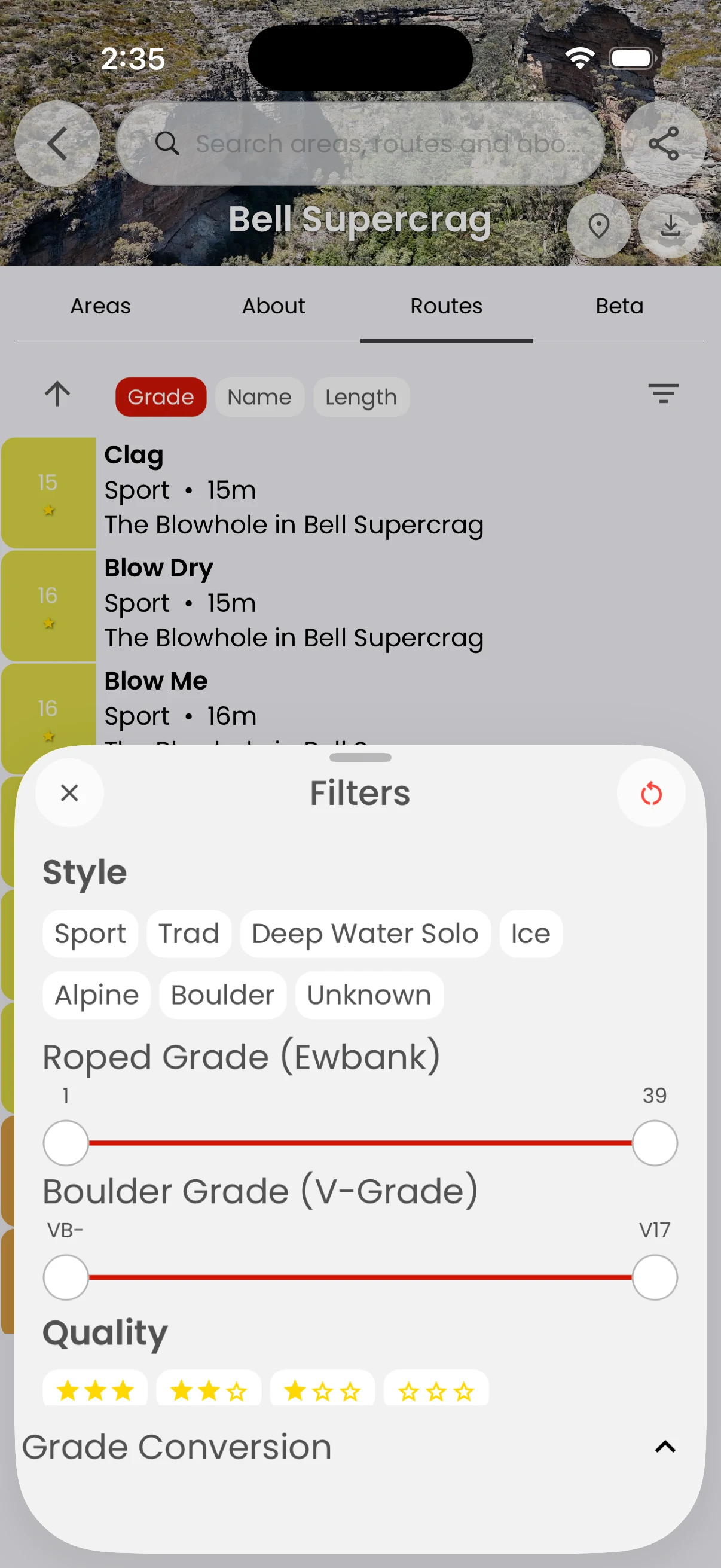
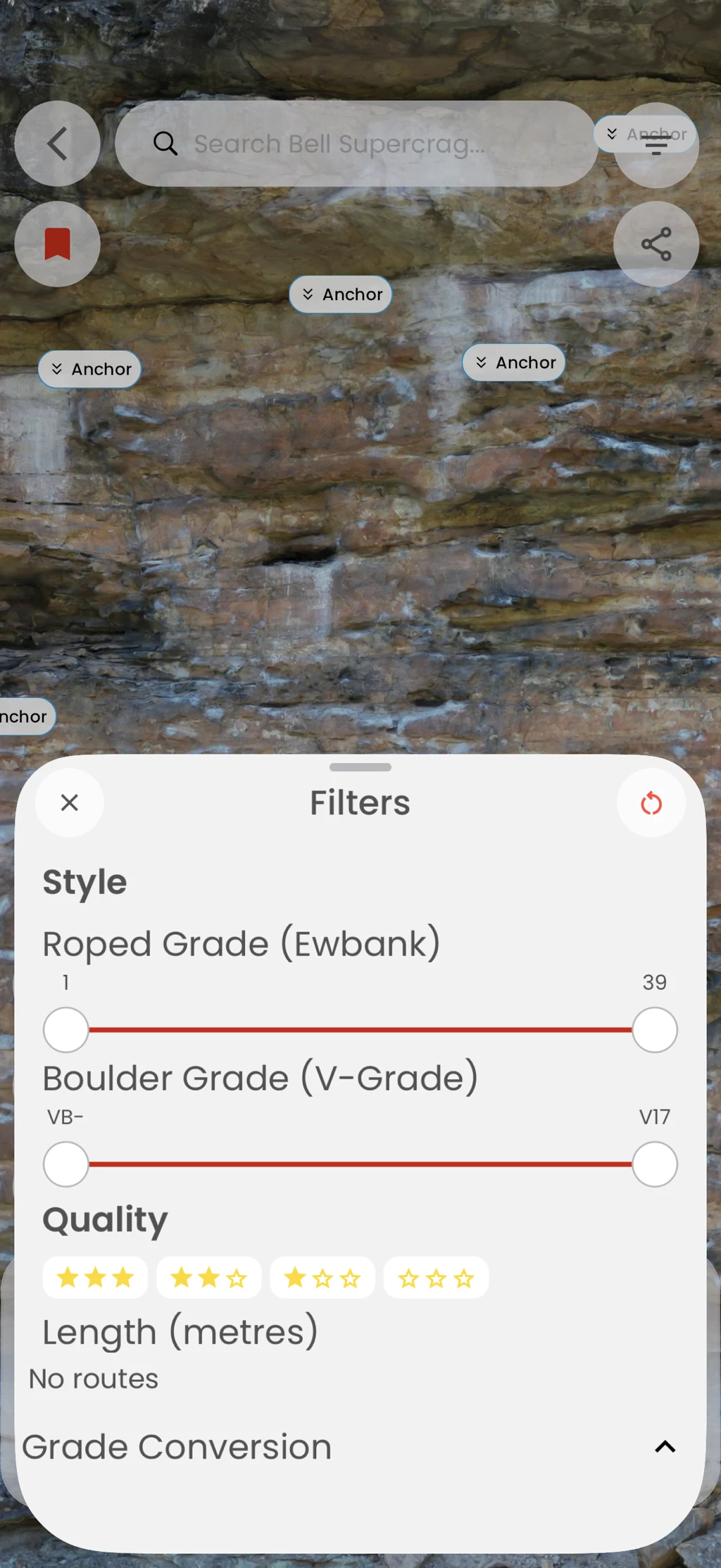
Search and filter routes inside the 3D guide so grade, style, and selected lines are easier to inspect without visual clutter.
In the app
How it works
- 01
Open a 3D guide.
- 02
Search for a route or open Filters.
- 03
Select a route and reset the view when you are done.