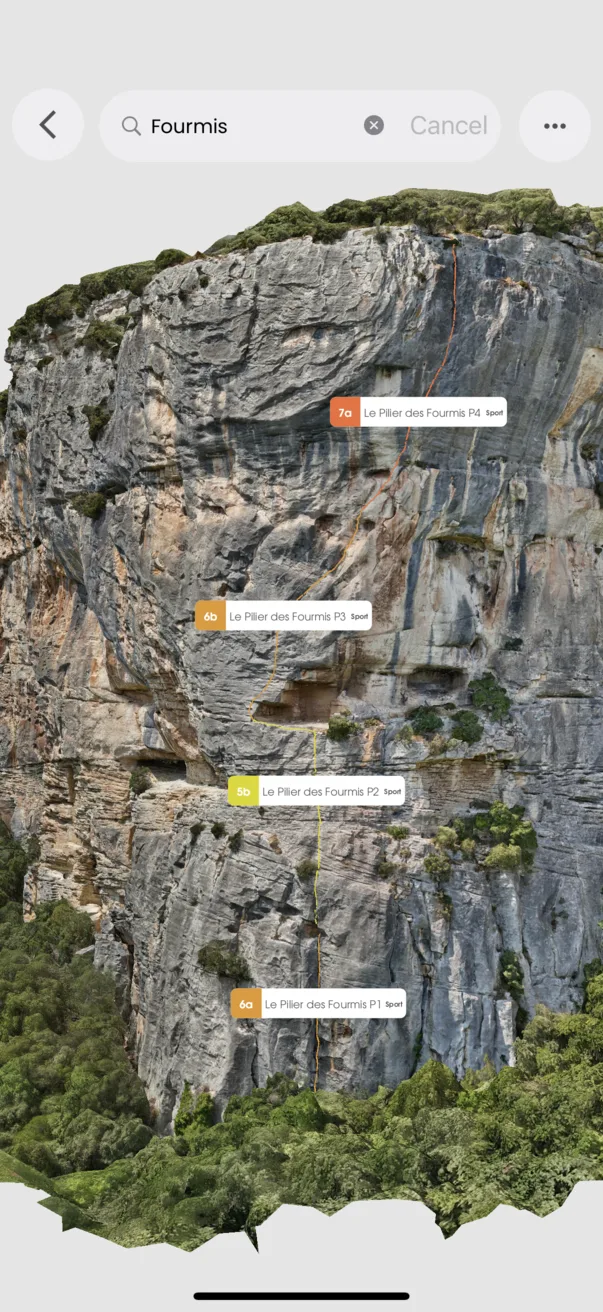
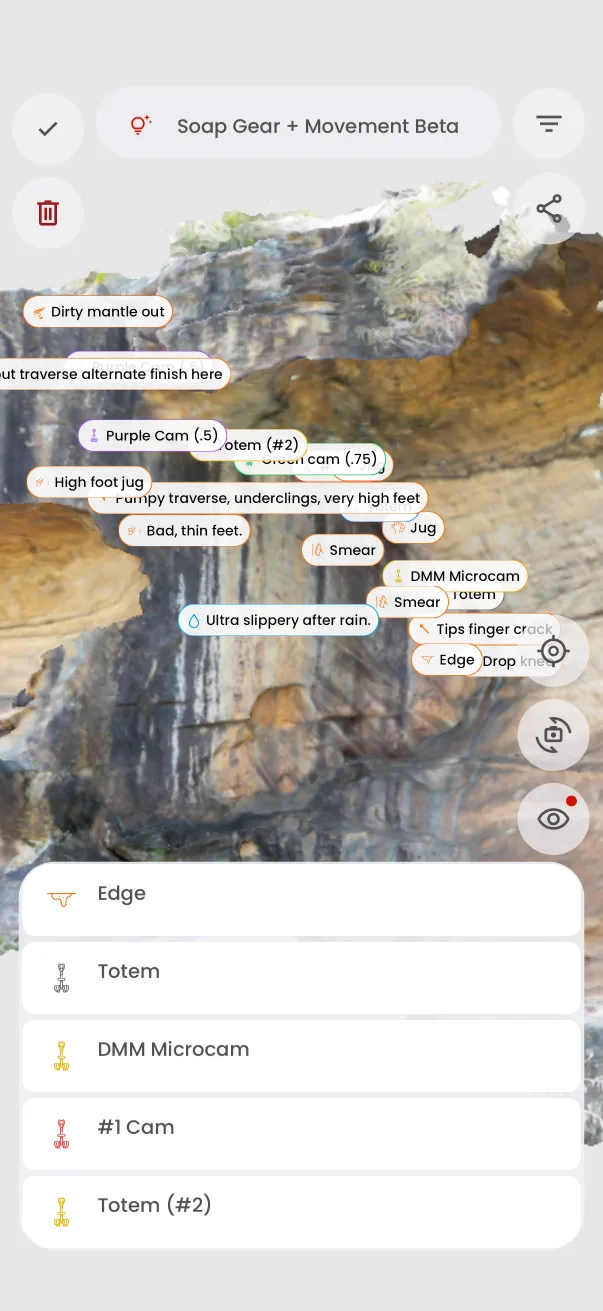
Climb with context · Free
See beta in place
Know where a note applies on the cliff.
A 3D guide can show mapped annotations for landmarks, warnings, stations, and other useful points. Open an annotation for more context.
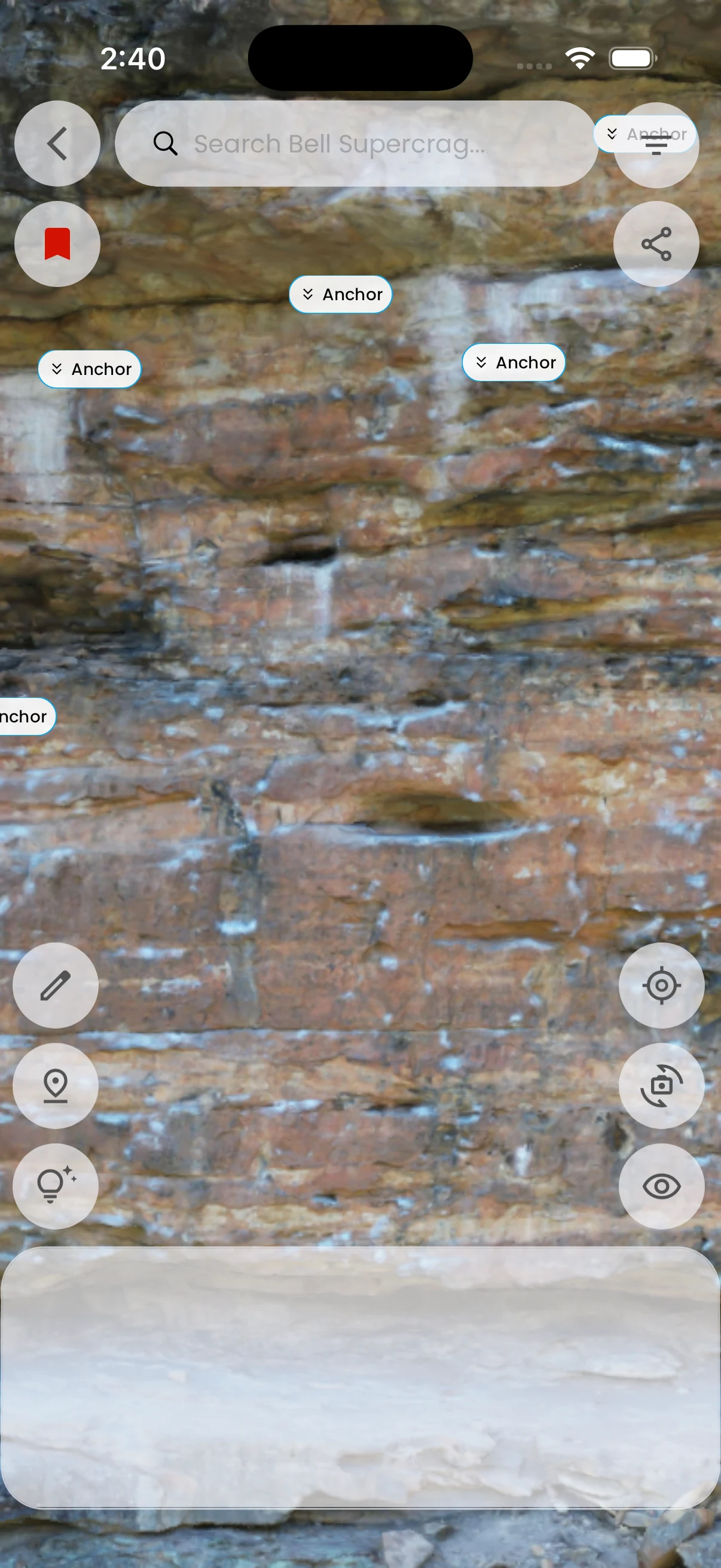
In the app
How it works
- 01
Open a guide with published scene annotations.
- 02
Move around the model to find a marker.
- 03
Open its card to read the detail.