Plan your day · Red-Point Plus
Save a guide for offline use
Keep eligible guide data with you when reception drops.
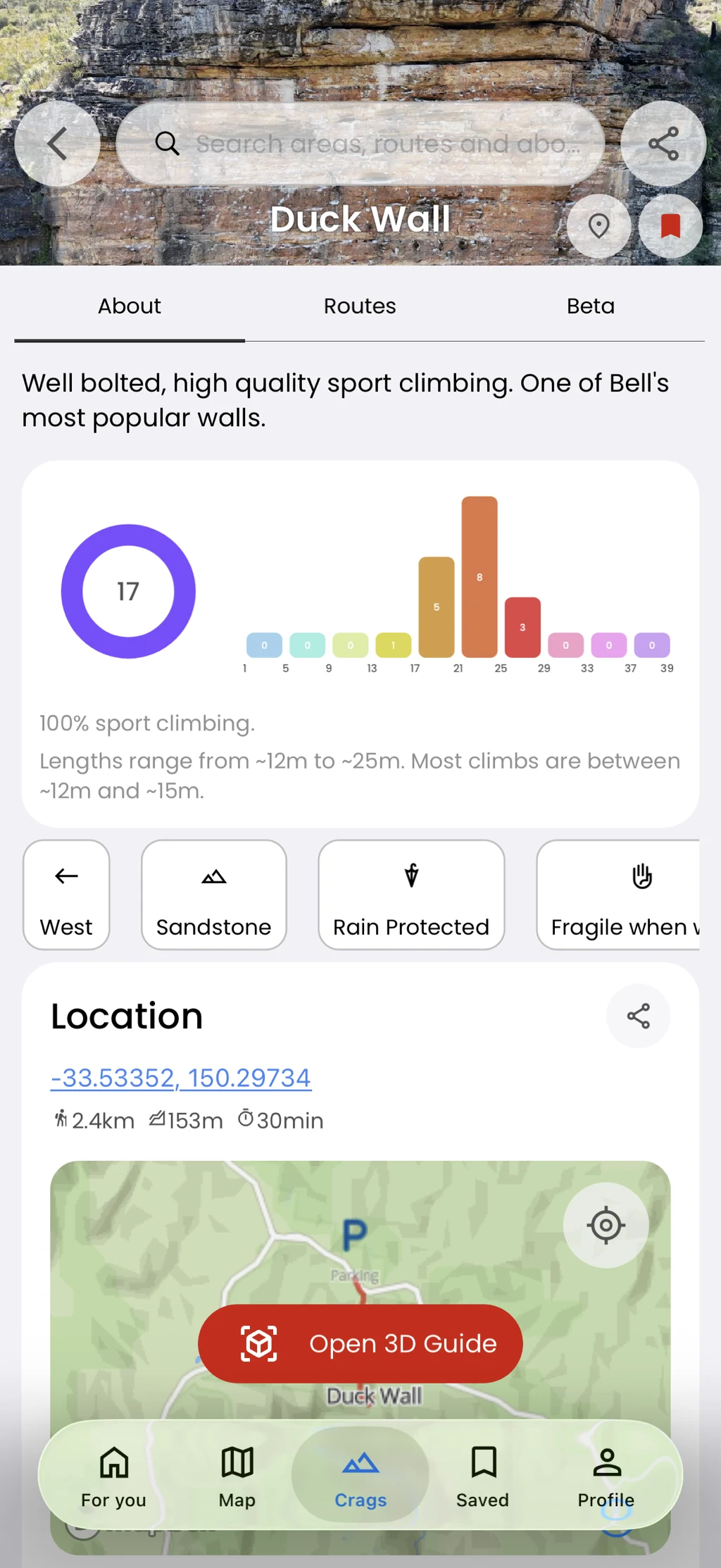
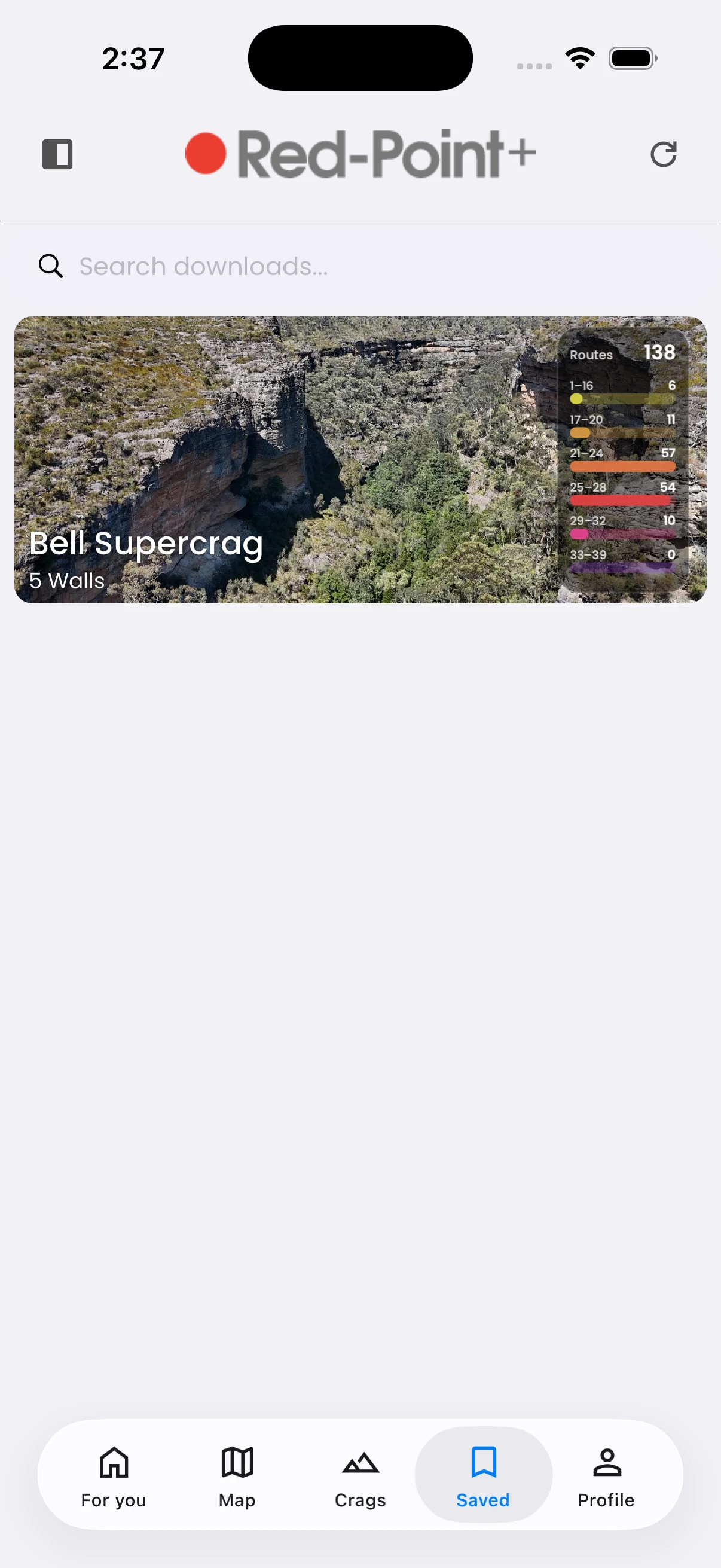
Download a supported area, find it later in Saved, and manage downloaded data from the app menu.
In the app
How it works
- 01
Open an eligible area and tap its download button.
- 02
Wait for the download to finish.
- 03
Open Saved to find it and Manage Data when you need to remove it.