Keep your story · Free
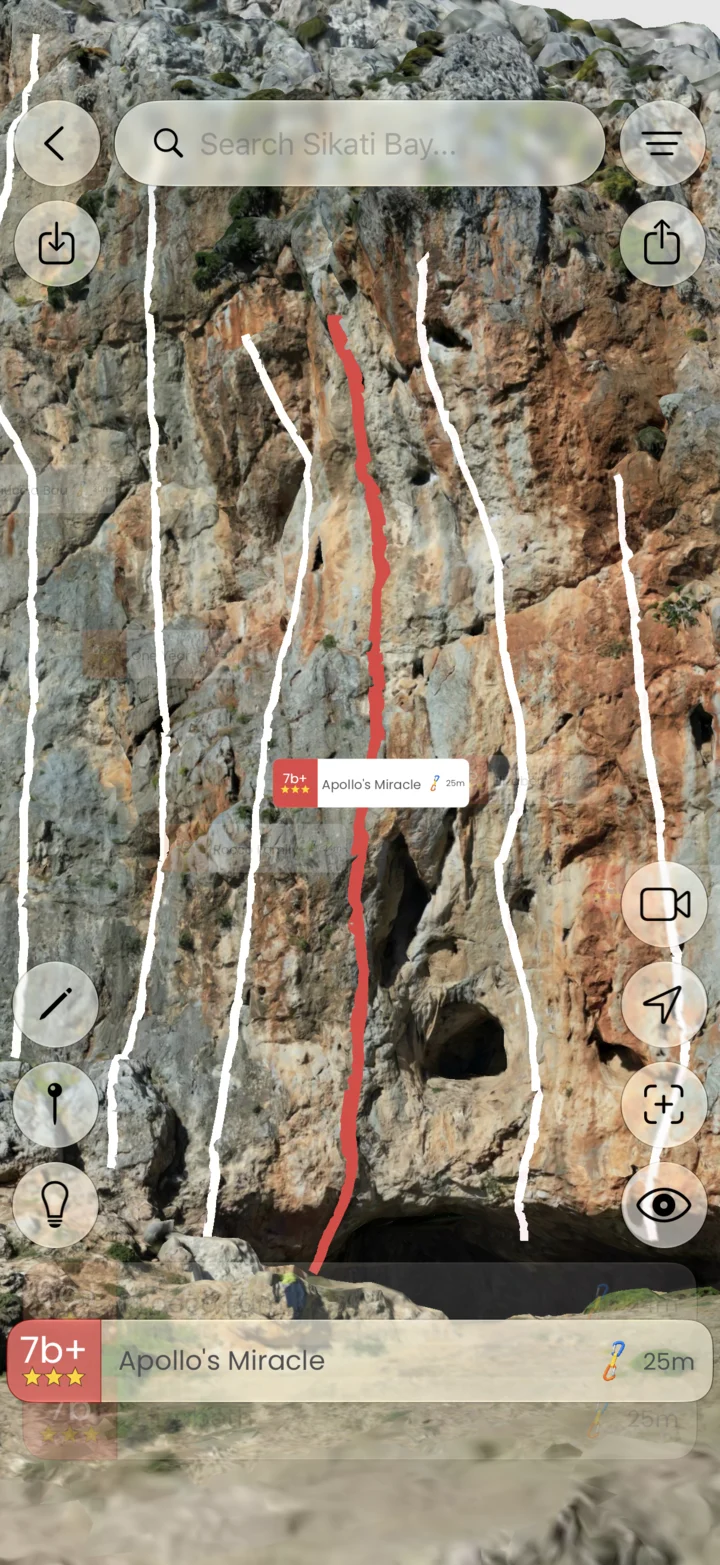
Share a route in 3D
Show your climbing partner the exact line.
Share a selected route from a 3D guide. The link identifies both the guide and route, so a partner can open the line in the app or focus it in a supported web preview.
In the app
How it works
- 01
Open a 3D guide and select a route.
- 02
Tap Share and choose where to send or copy the link.
- 03
Open the link to return to the same route.