Keep your story · Free
Share an area or meeting point
Get your climbing partners to the same place.
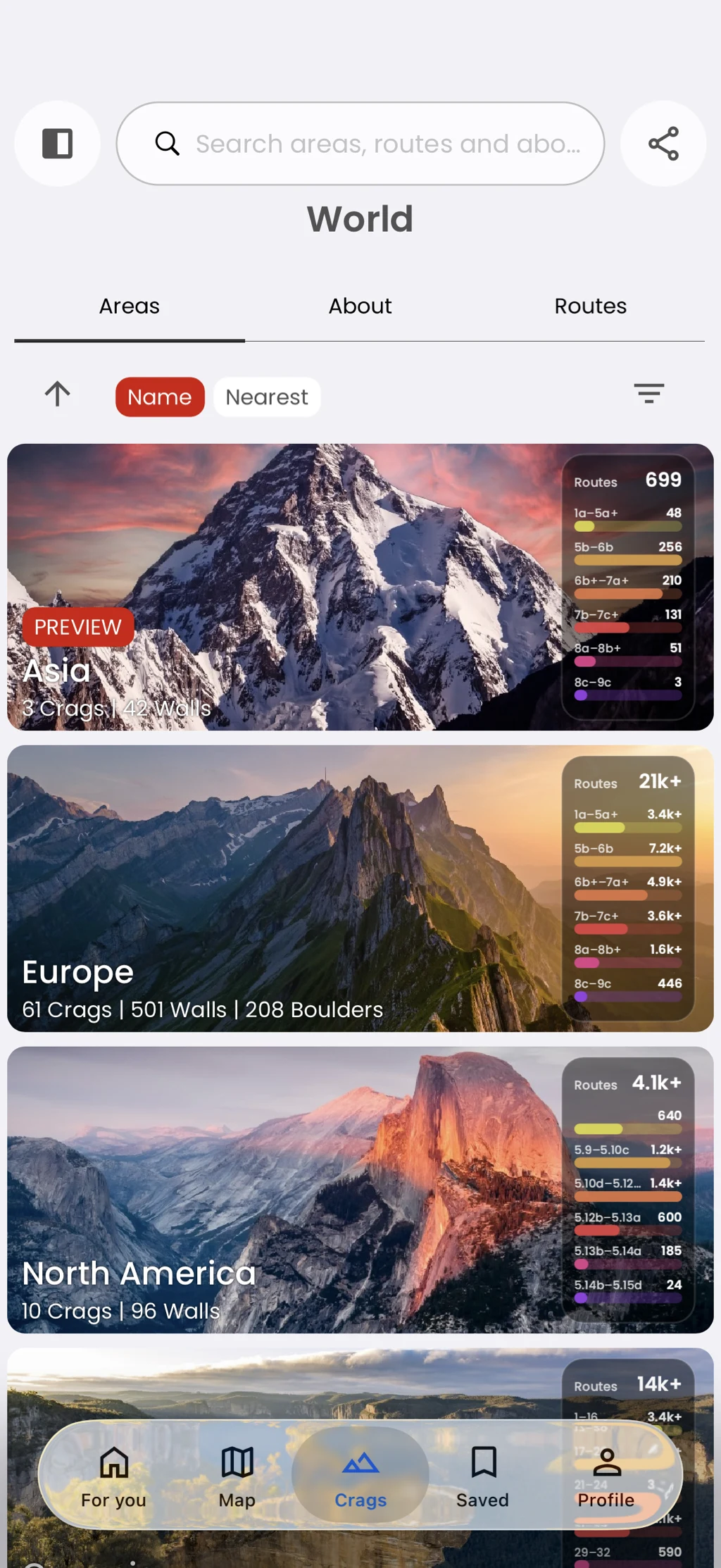
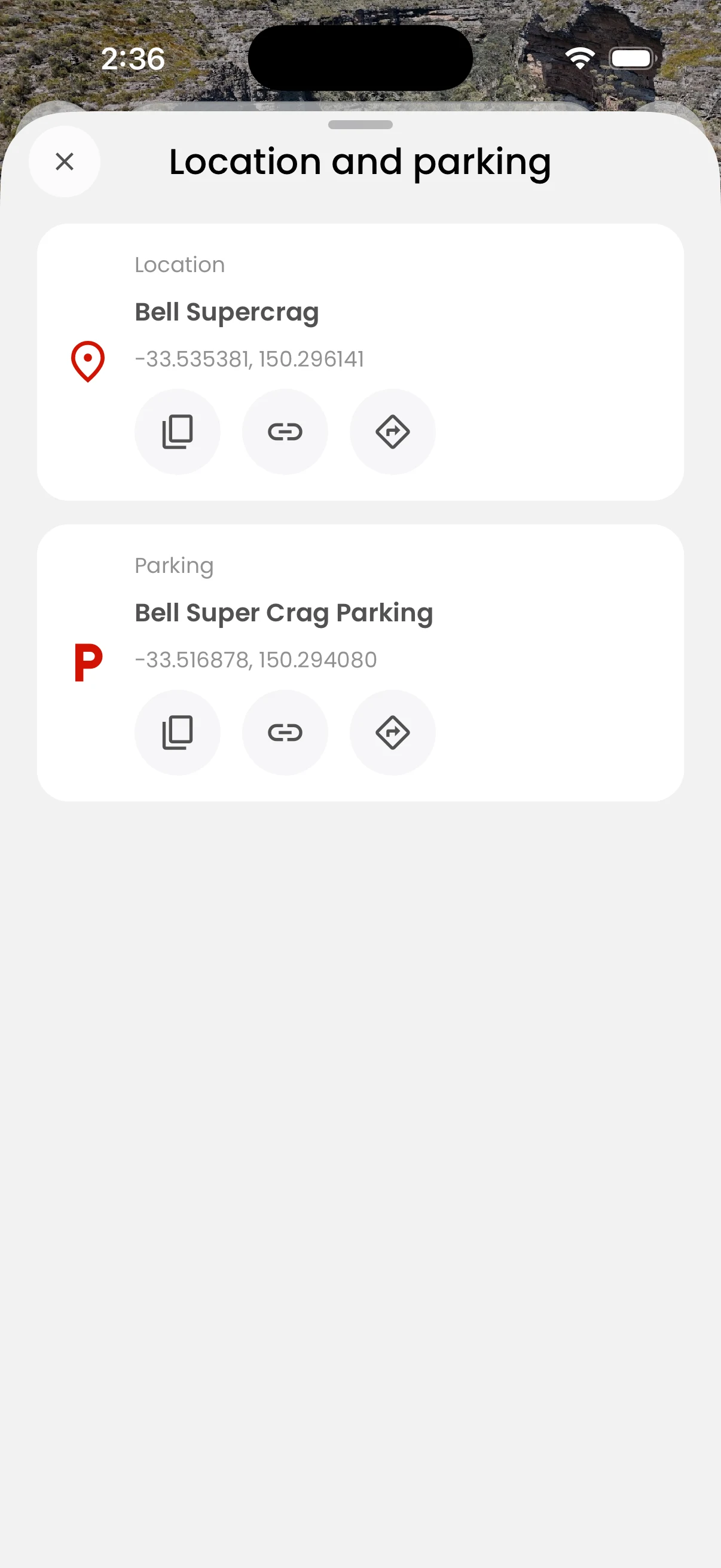
Share an area link, parking location, or coordinates from the app. You can copy the detail or hand it to another app on your device.
In the app
How it works
- 01
Open an area and tap Share or Location.
- 02
Choose the area or parking option.
- 03
Copy the link or use your device share sheet.