Find your climb · Free
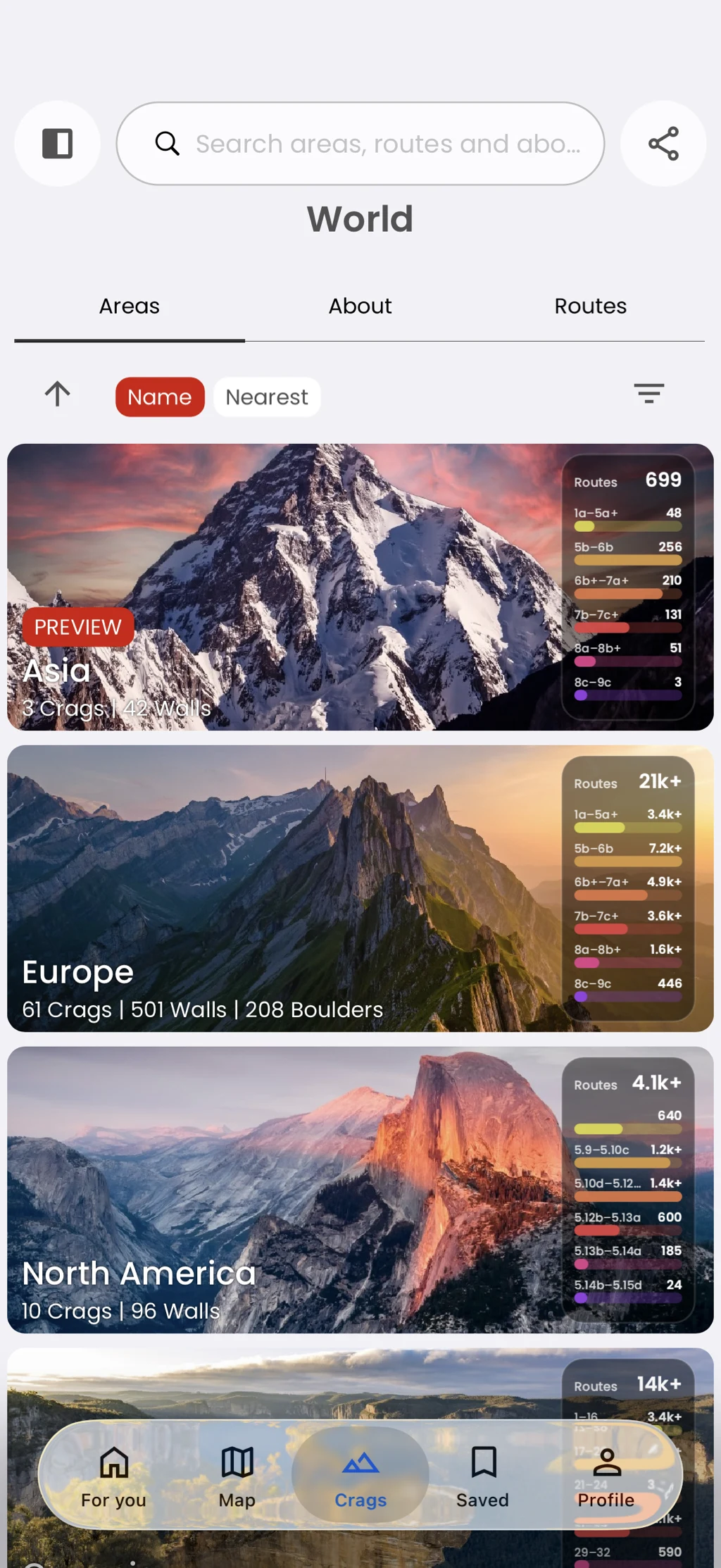
Browse from region to route
Understand how a climbing destination fits together.
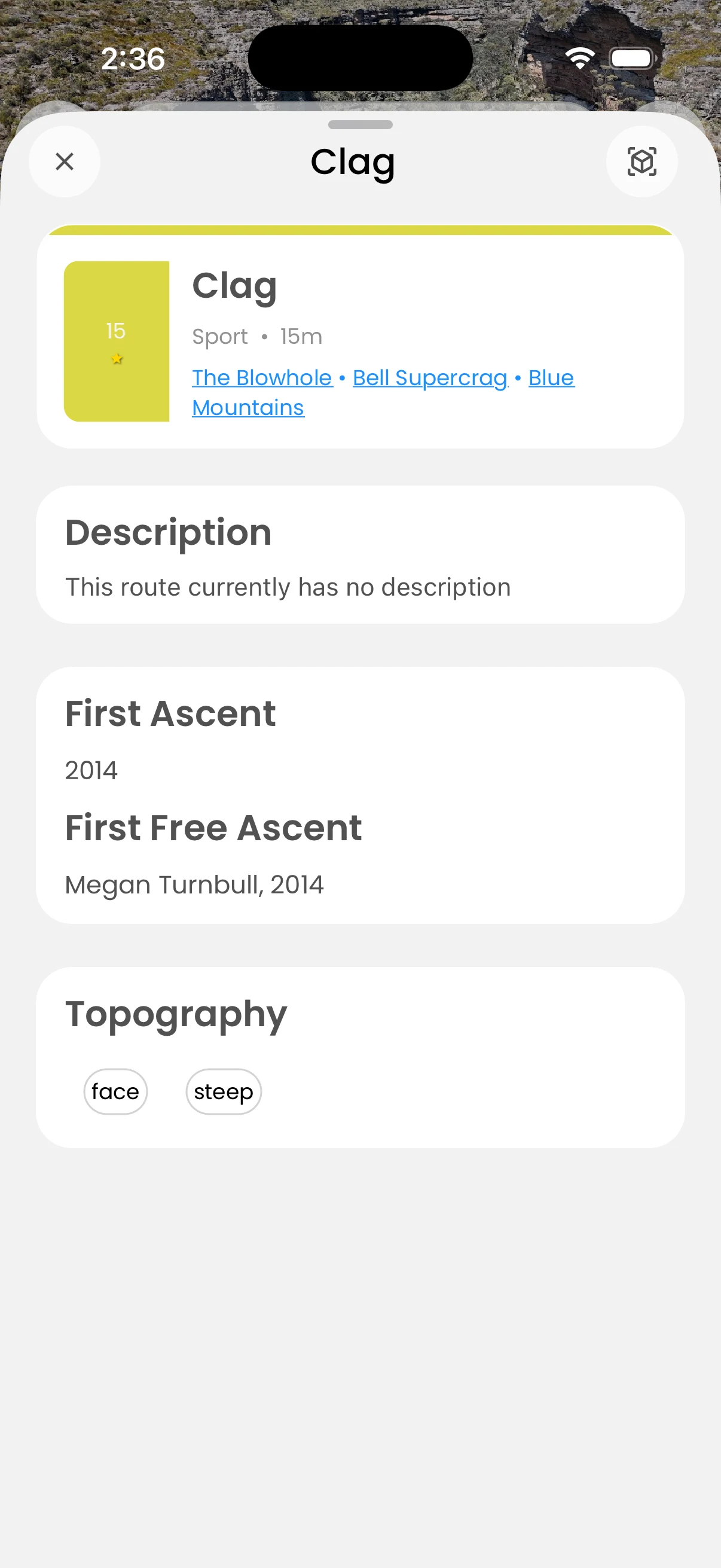
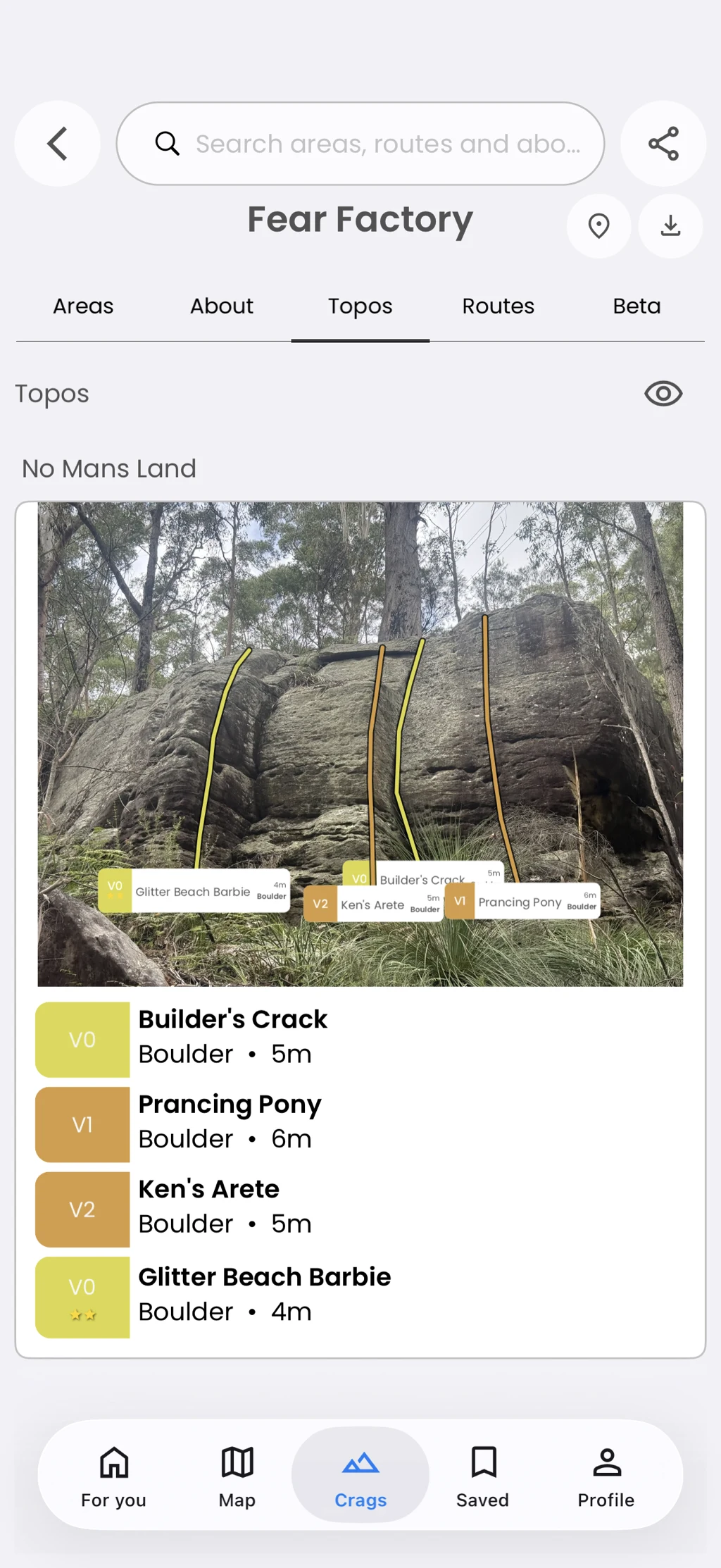
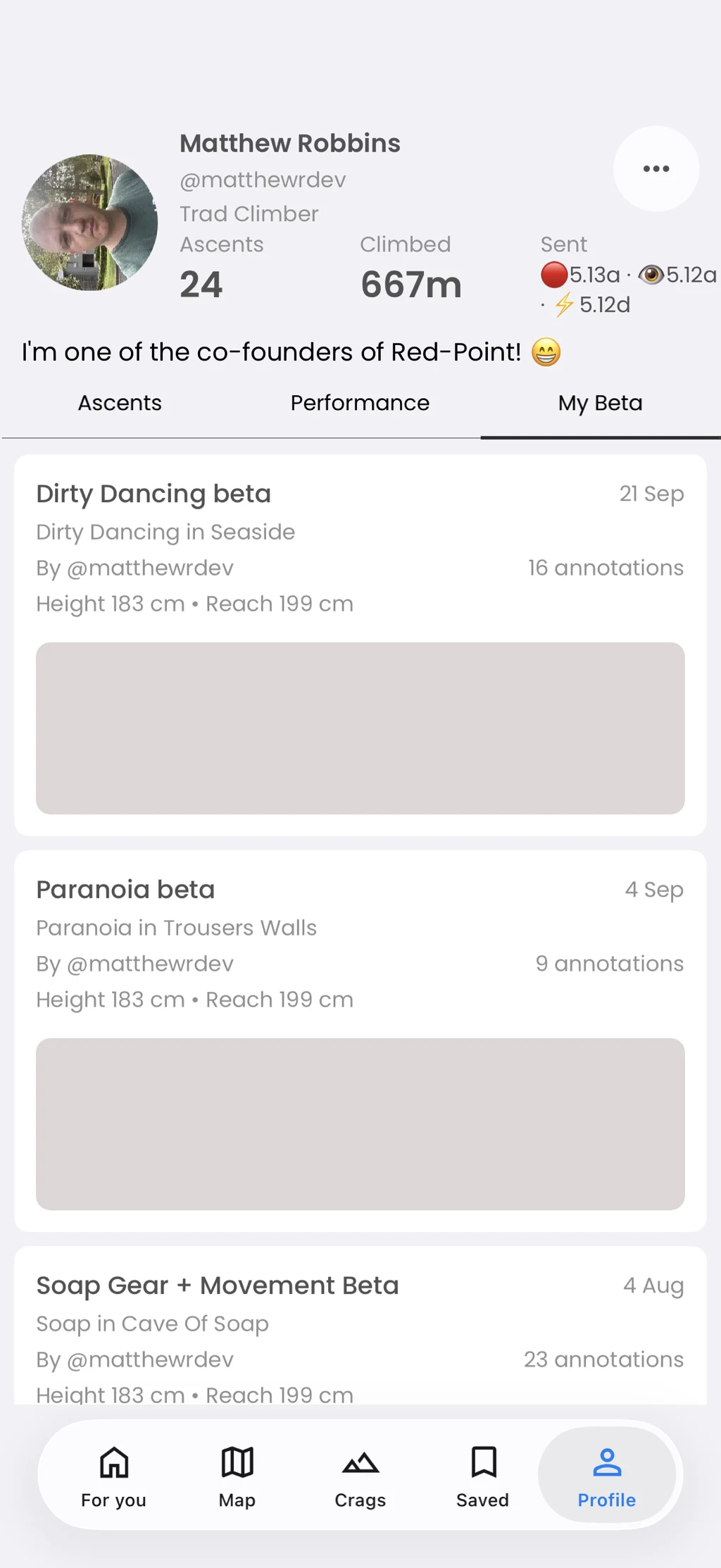
Move through regions, crags, walls, boulders, and routes. Area tabs bring together details, routes, topos, and beta when those are available.
In the app
How it works
- 01
Open Crags or select an area on the map.
- 02
Choose a child area to move closer to the rock.
- 03
Use the area tabs to inspect routes, topos, details, and beta.