Find your climb · Free
Know the route before you start
Pick a line with the details you need.
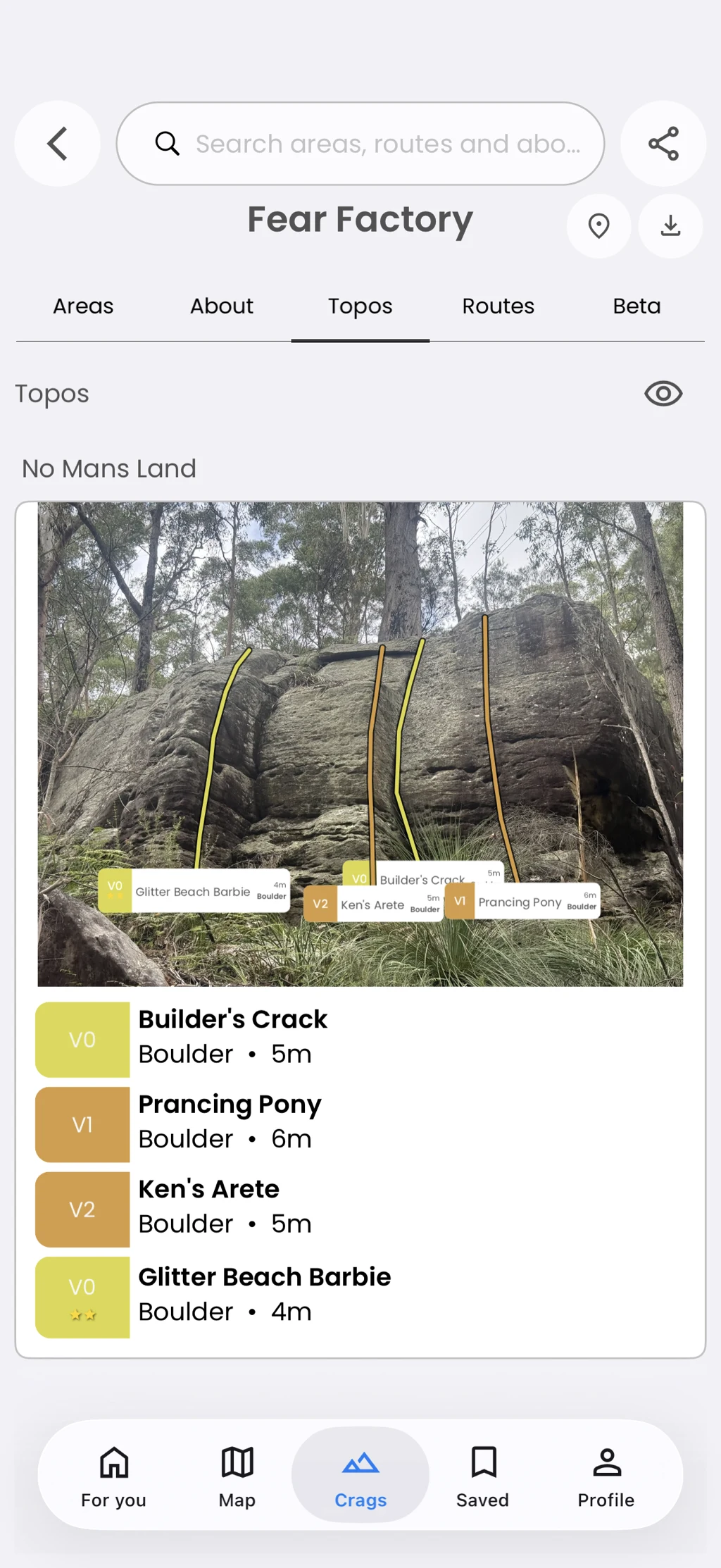
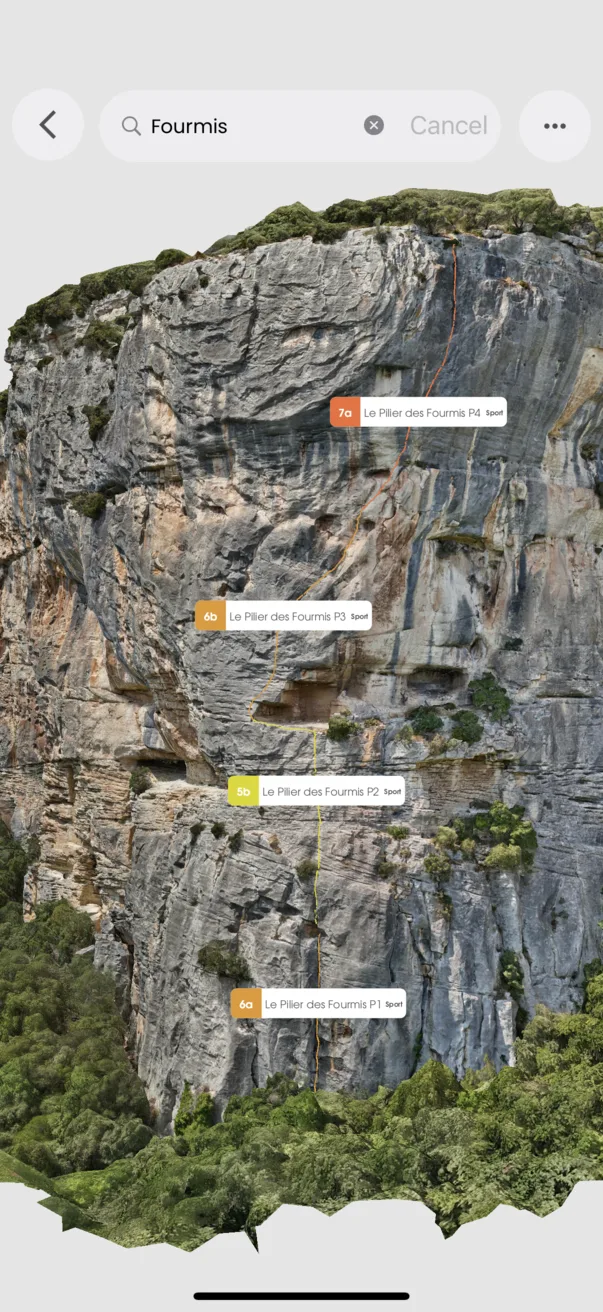
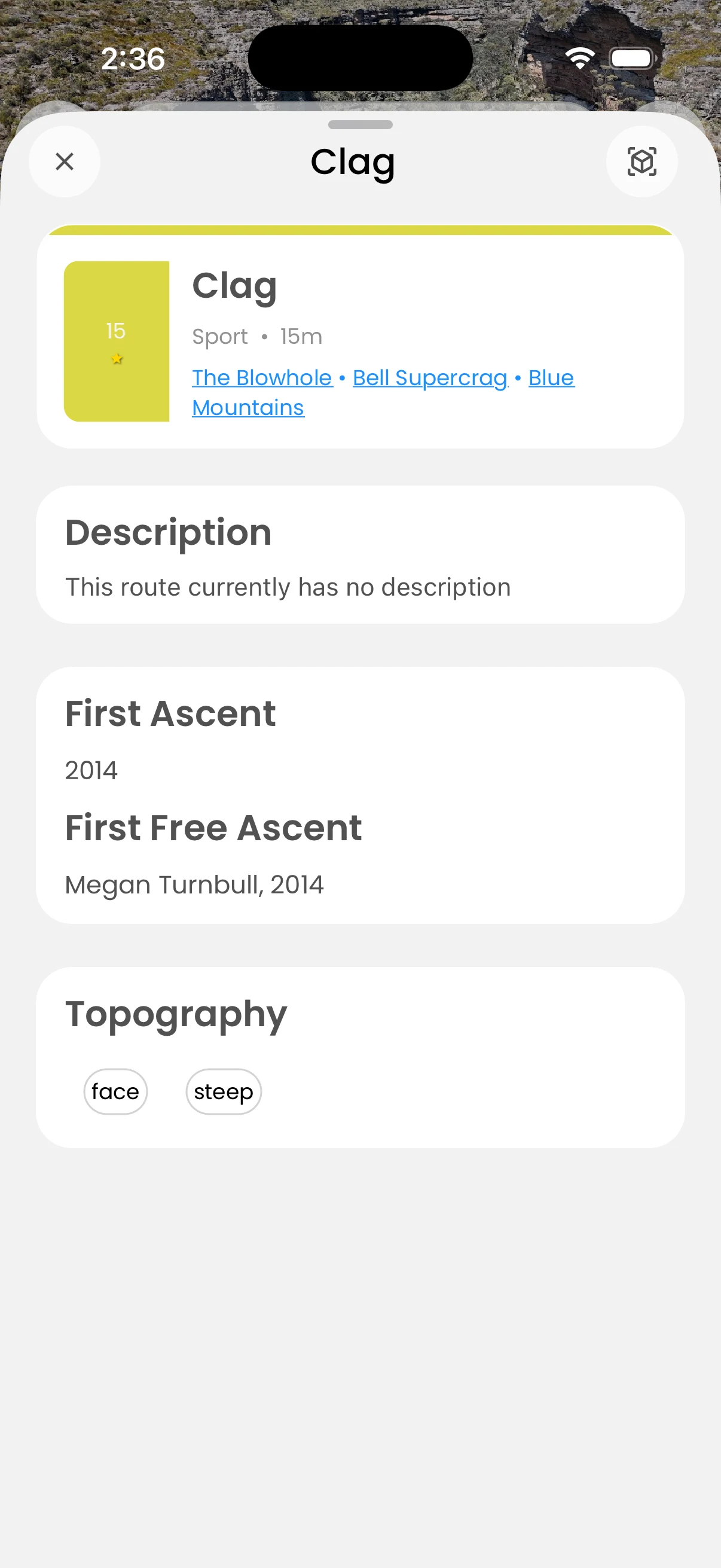
Route pages can show grade, style, length, bolt count, quality, description, tags, history, location, and connected topos. Move back to the parent area or into a 3D guide when available.
In the app
How it works
- 01
Select a route from an area, topo, map, or 3D guide.
- 02
Read the route details and any notes.
- 03
Open its topo, map location, or 3D view when offered.