Climb with context · Free
Discover and share route beta
Learn from a climber who knows the line.
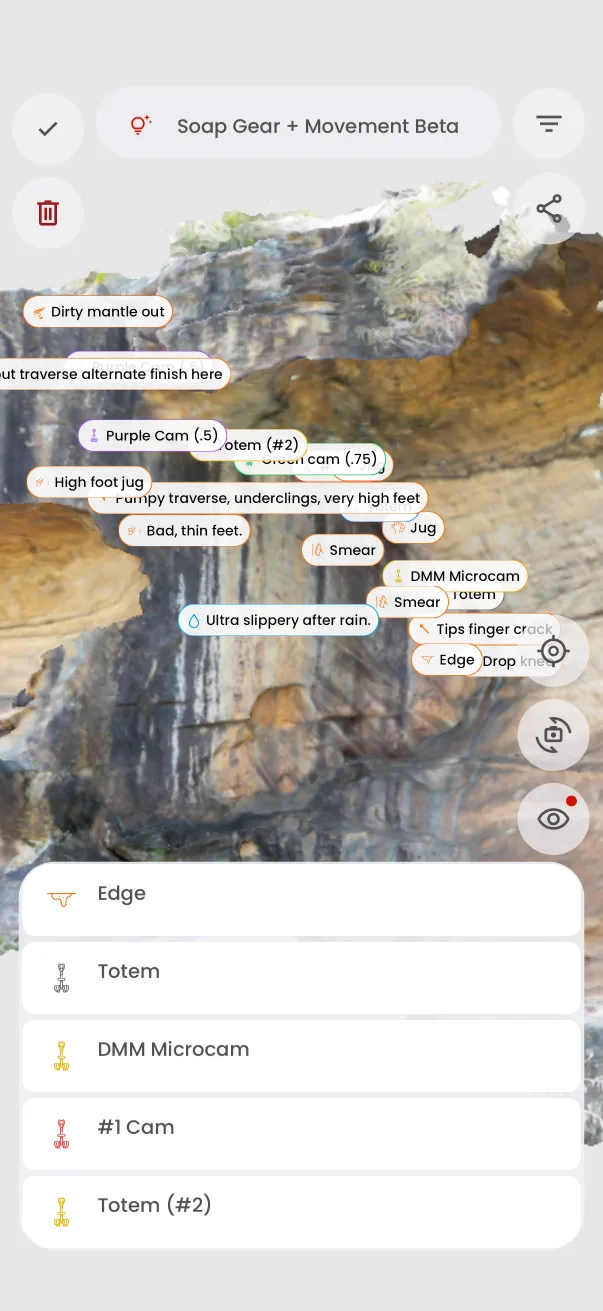
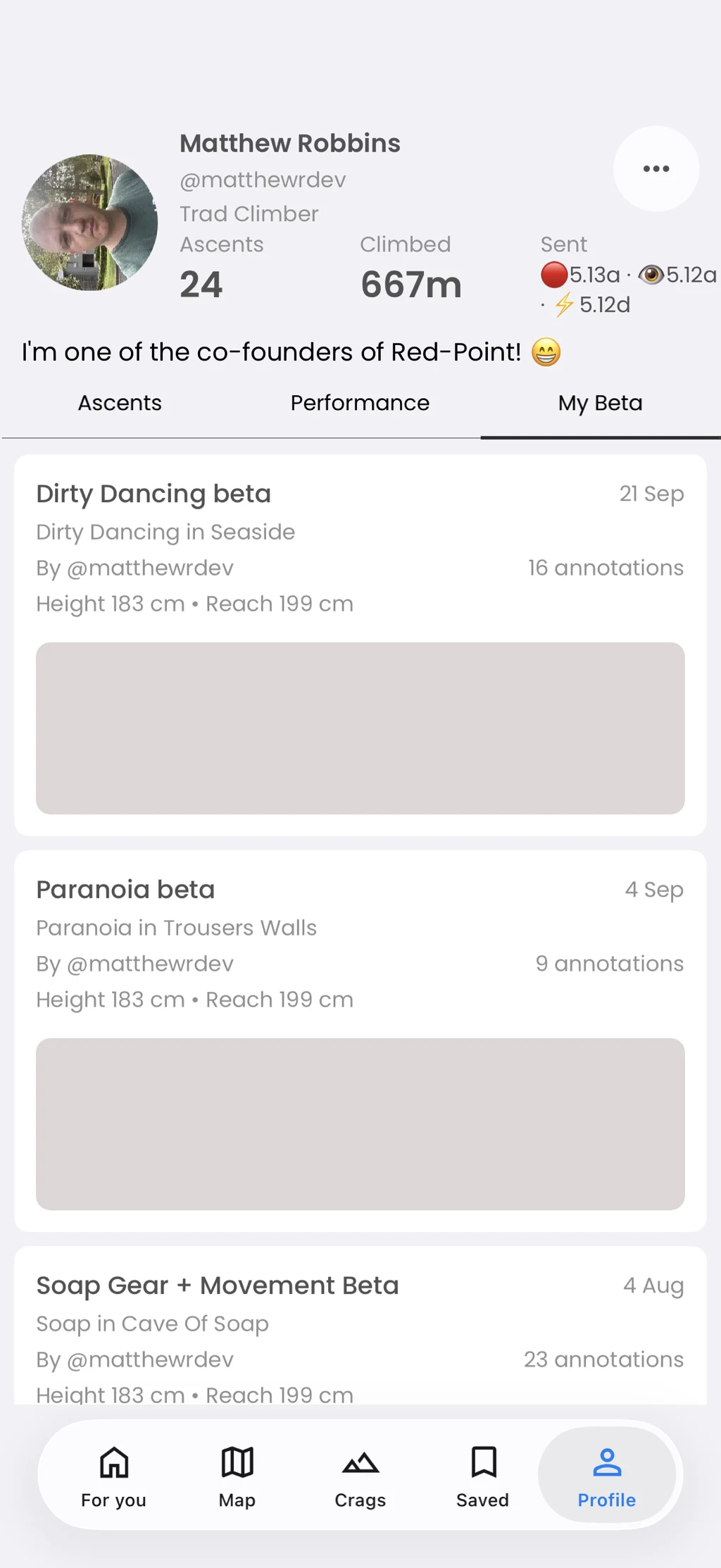
Browse beta sets attached to an area, open them in context, find your own beta on your profile, and share a set when appropriate.
In the app
How it works
- 01
Open the Beta tab on a supported area.
- 02
Choose a set and inspect its annotations.
- 03
Use the share action for a set you have permission to share.