Climb with context · Red-Point Plus
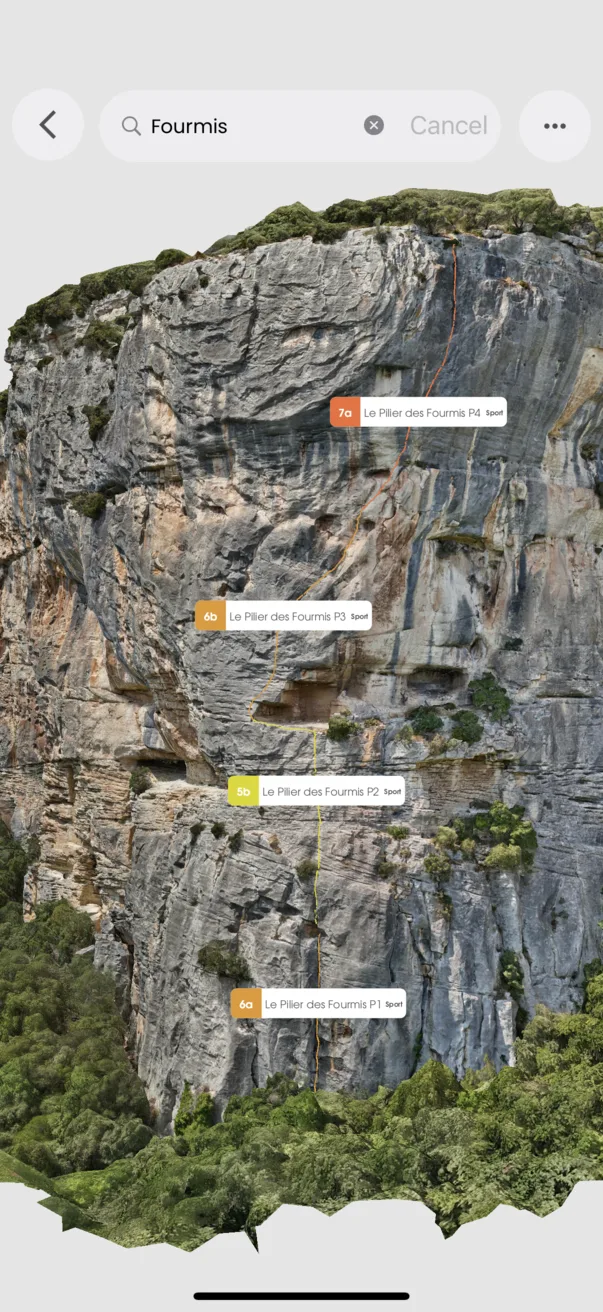
See more detail in HD
Take a closer look at the rock before you climb.
Red-Point Plus adds high-definition 3D guide detail to the standard 3D experience. Zoom in to study the wall with a clearer model where HD assets are available.
In the app
How it works
- 01
Open an area with a 3D guide.
- 02
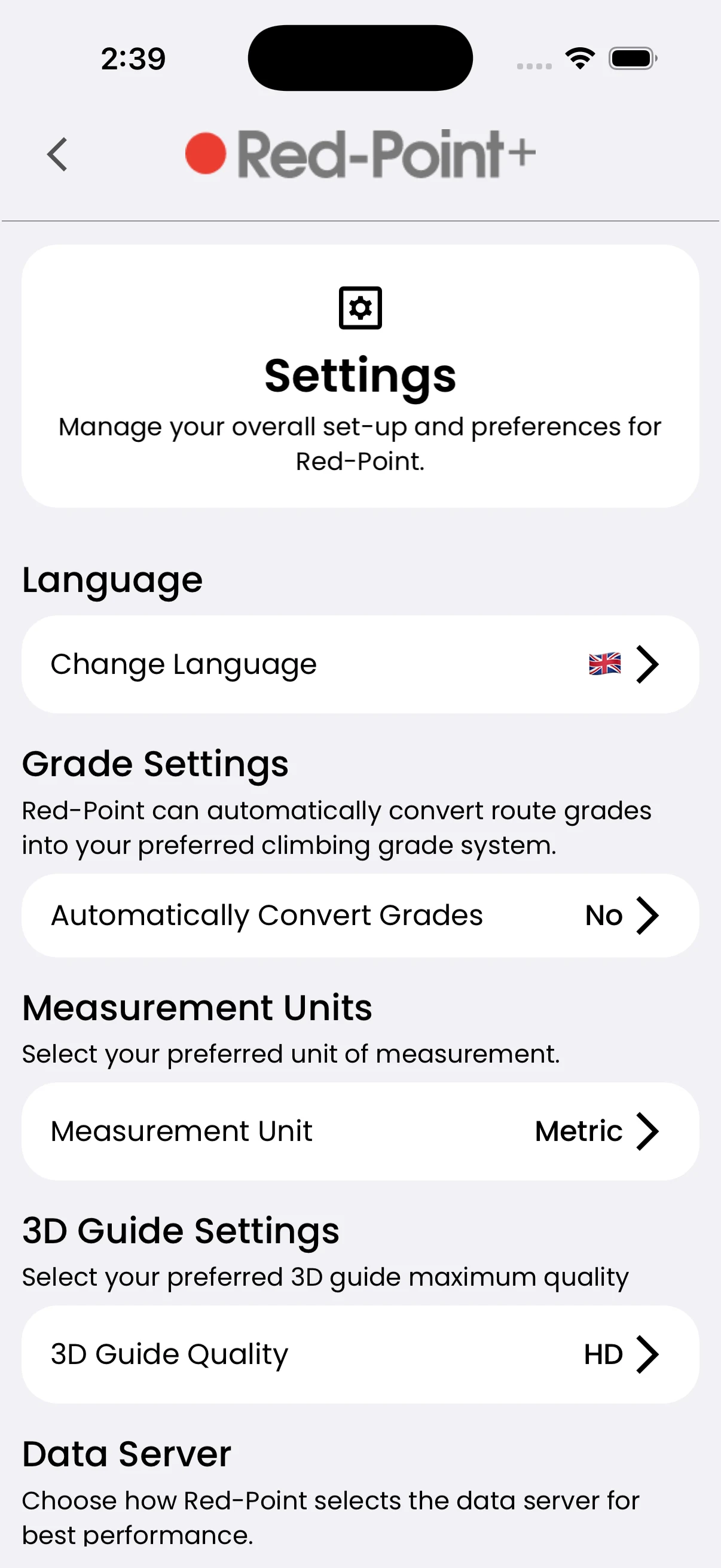
Select the HD quality option when available.
- 03
Explore the model and its routes at higher detail.