Climb with context · Free
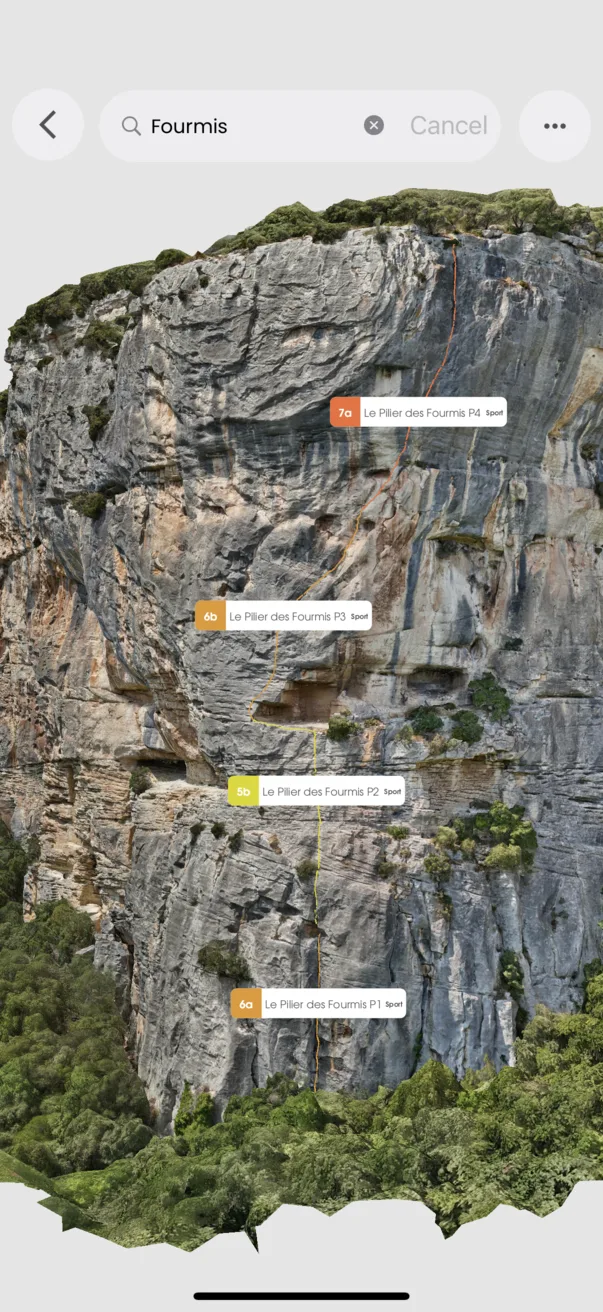
Make the 3D view your own
Keep the scene readable as you explore.
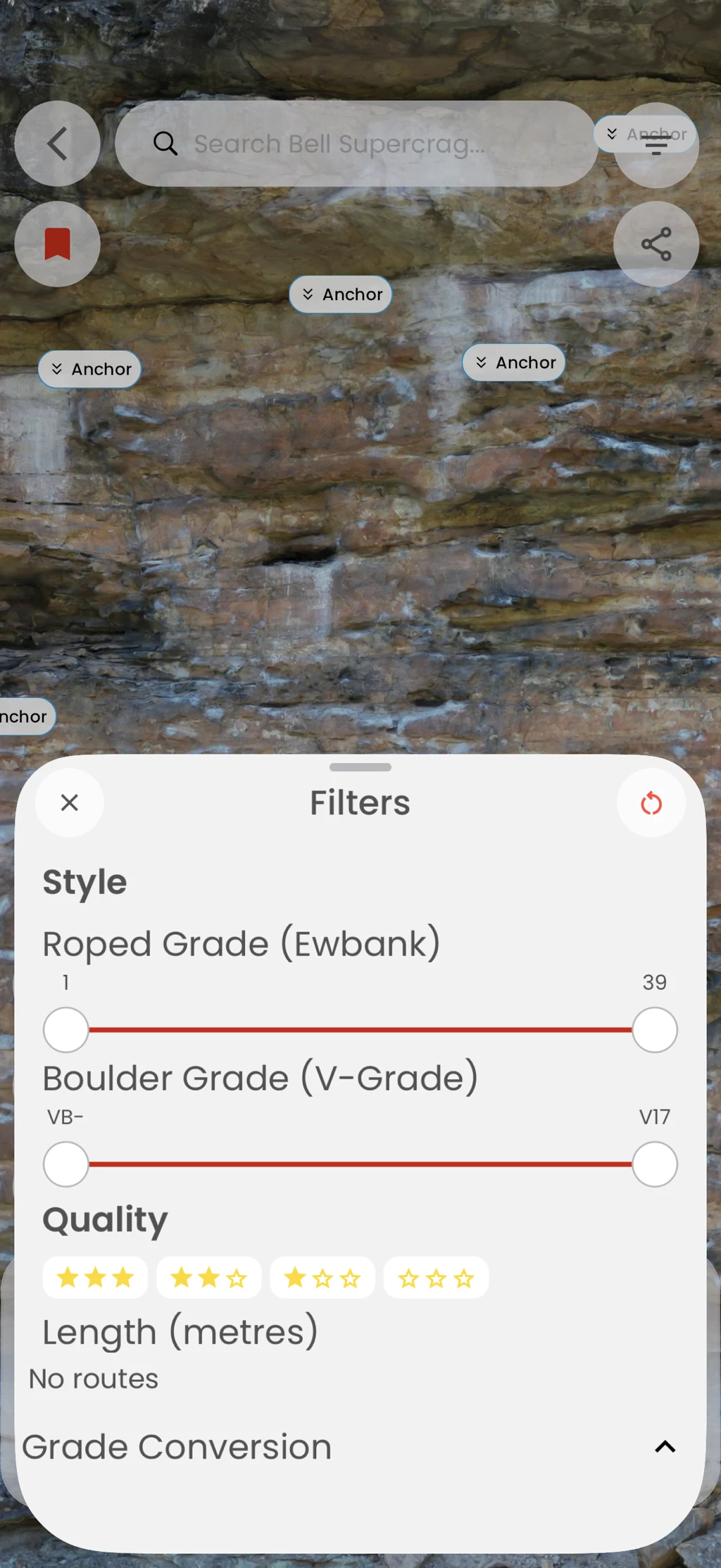
Reset the camera, adjust route visibility, and use available viewing or measurement controls to focus on the part of the model you need.
In the app
How it works
- 01
Open a 3D guide.
- 02
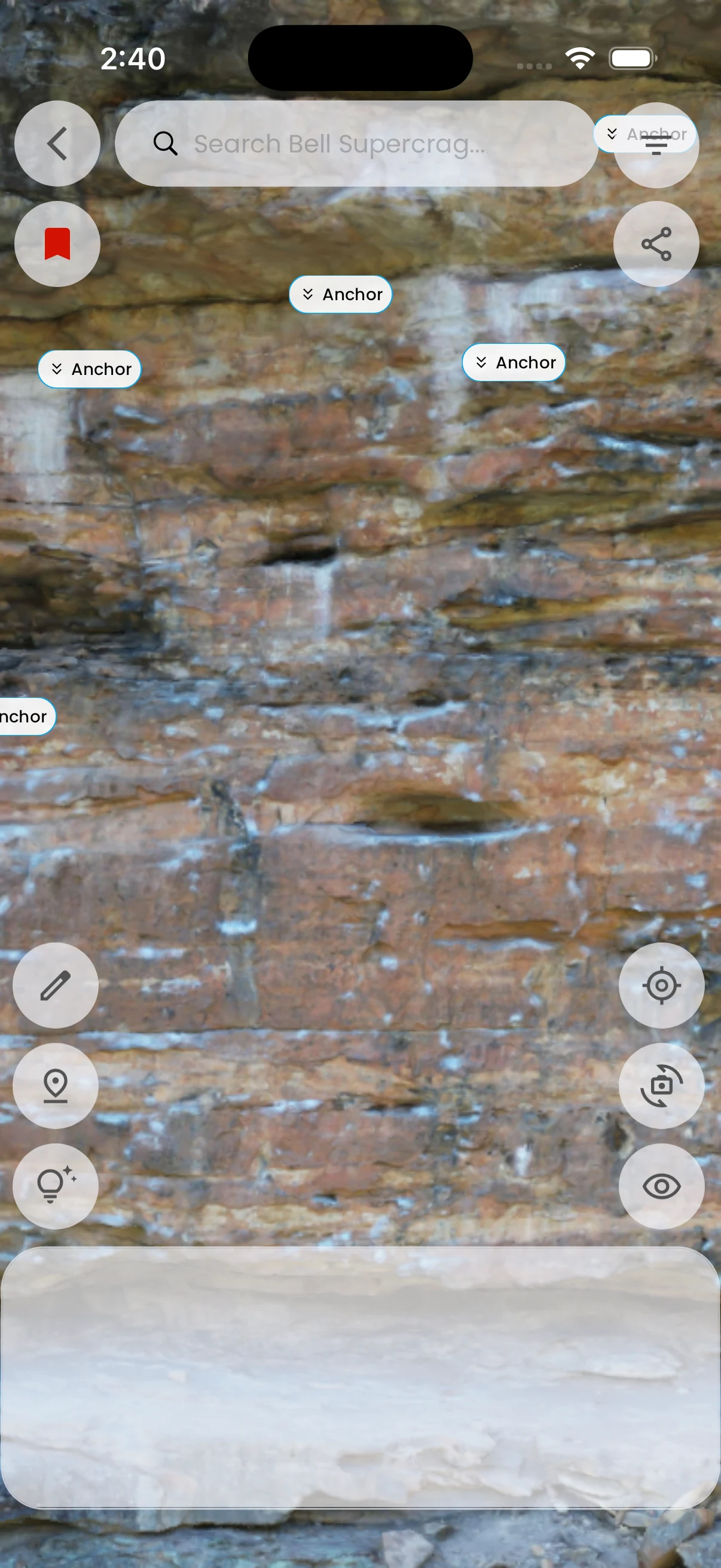
Use the route visibility control or reset the camera.
- 03
Return to a clear overview when you change routes.