Keep your story · Free
Revisit your climbing days
Find the ascent you want to remember.
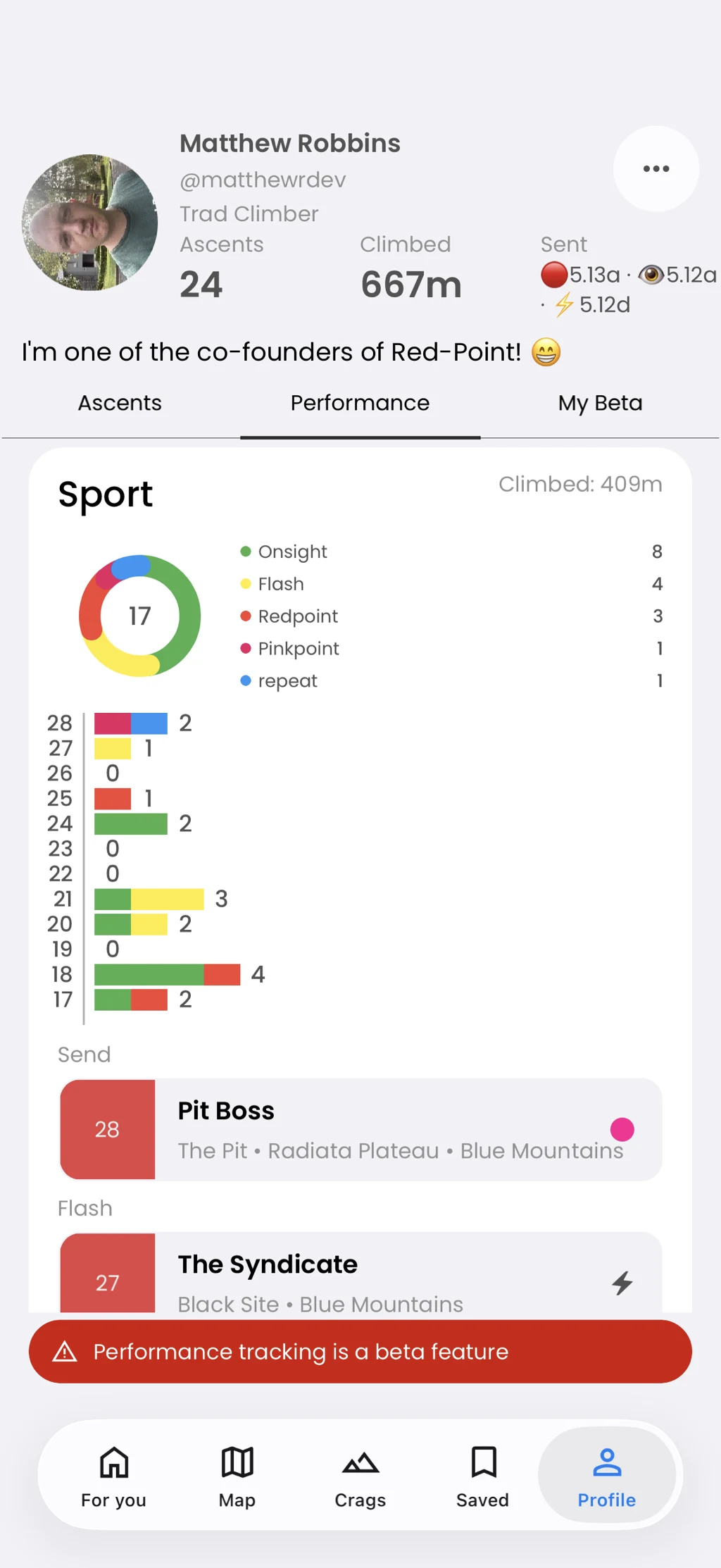
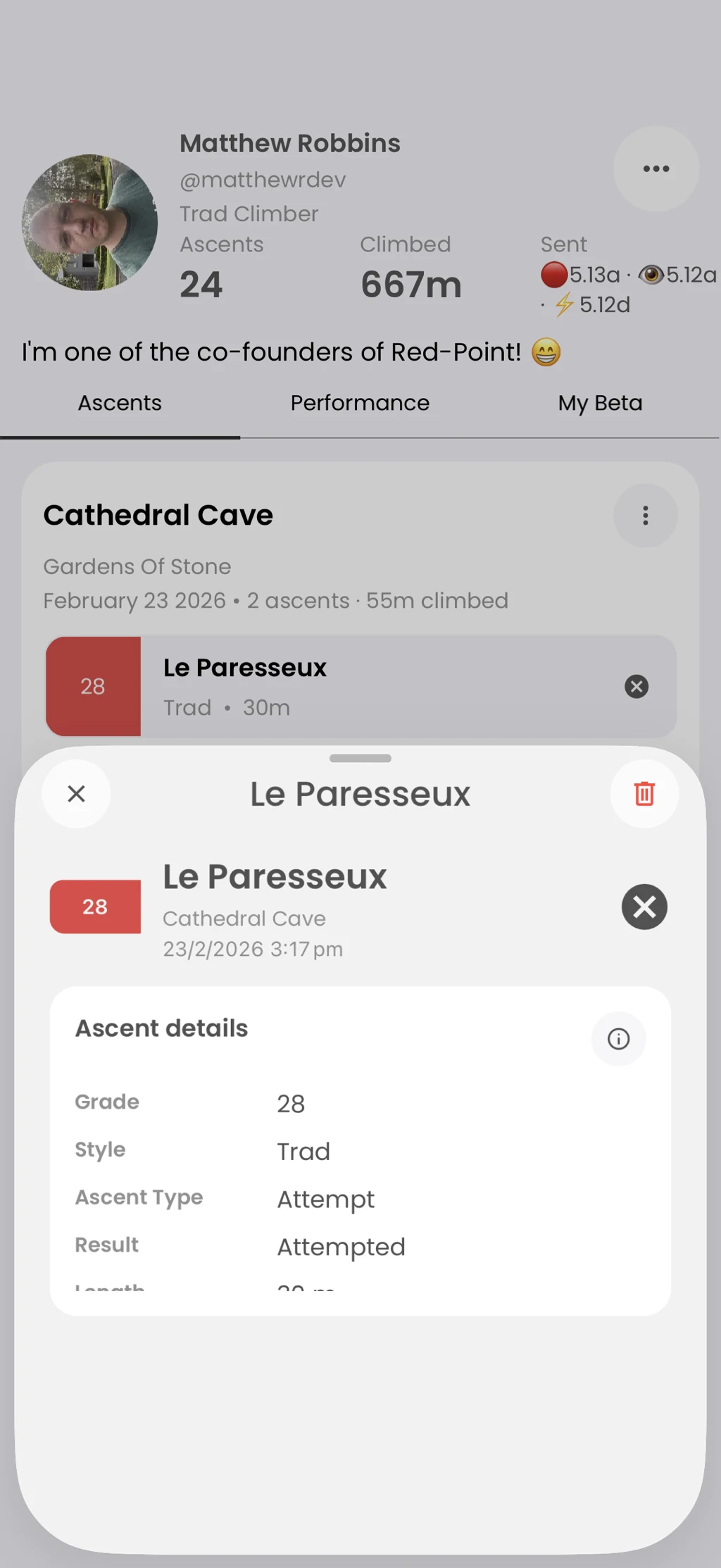
Your profile groups ascents into sessions. Open a session or ascent to review the recorded details and manage your own entries.
In the app
How it works
- 01
Open Profile and select Ascents.
- 02
Choose a session from the list.
- 03
Open an ascent to see its detail.