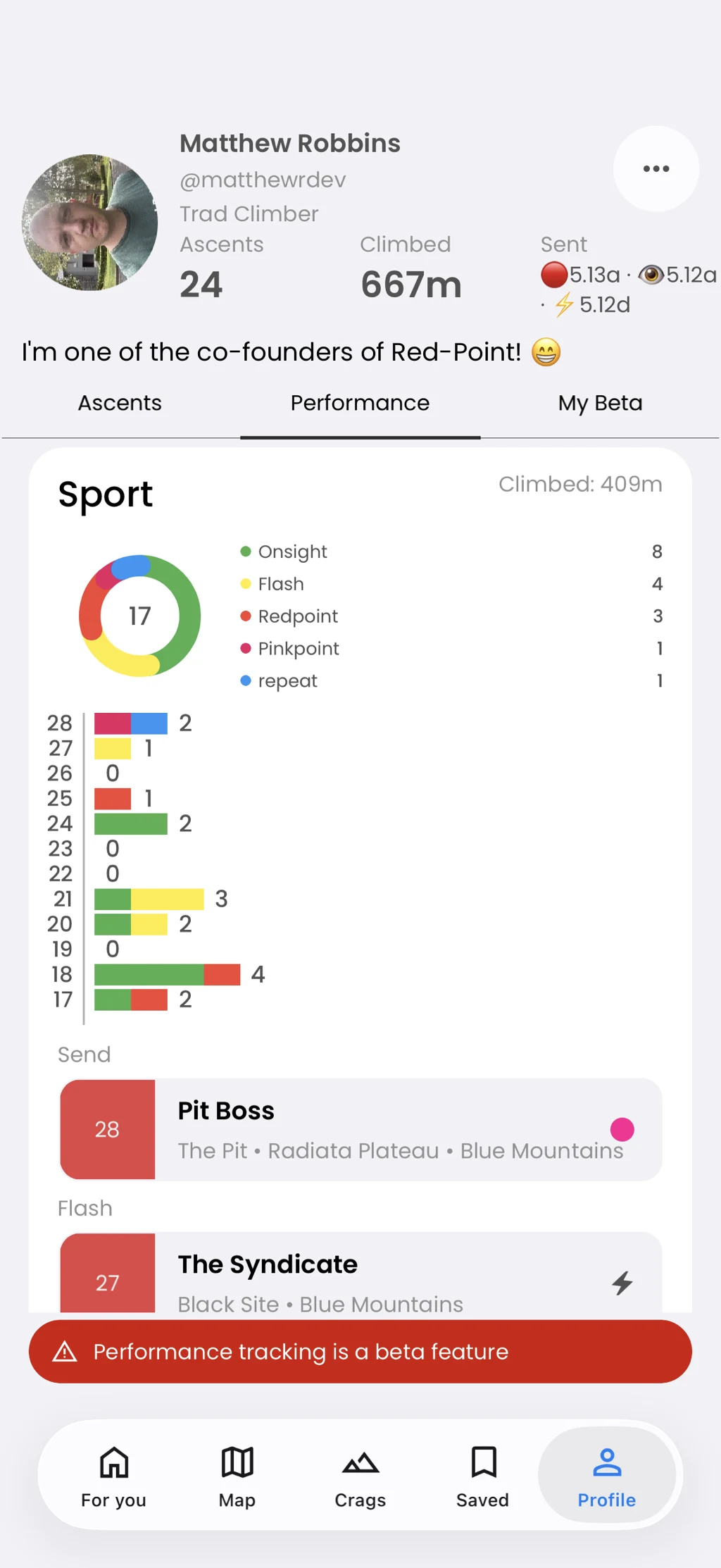
Keep your story · Free
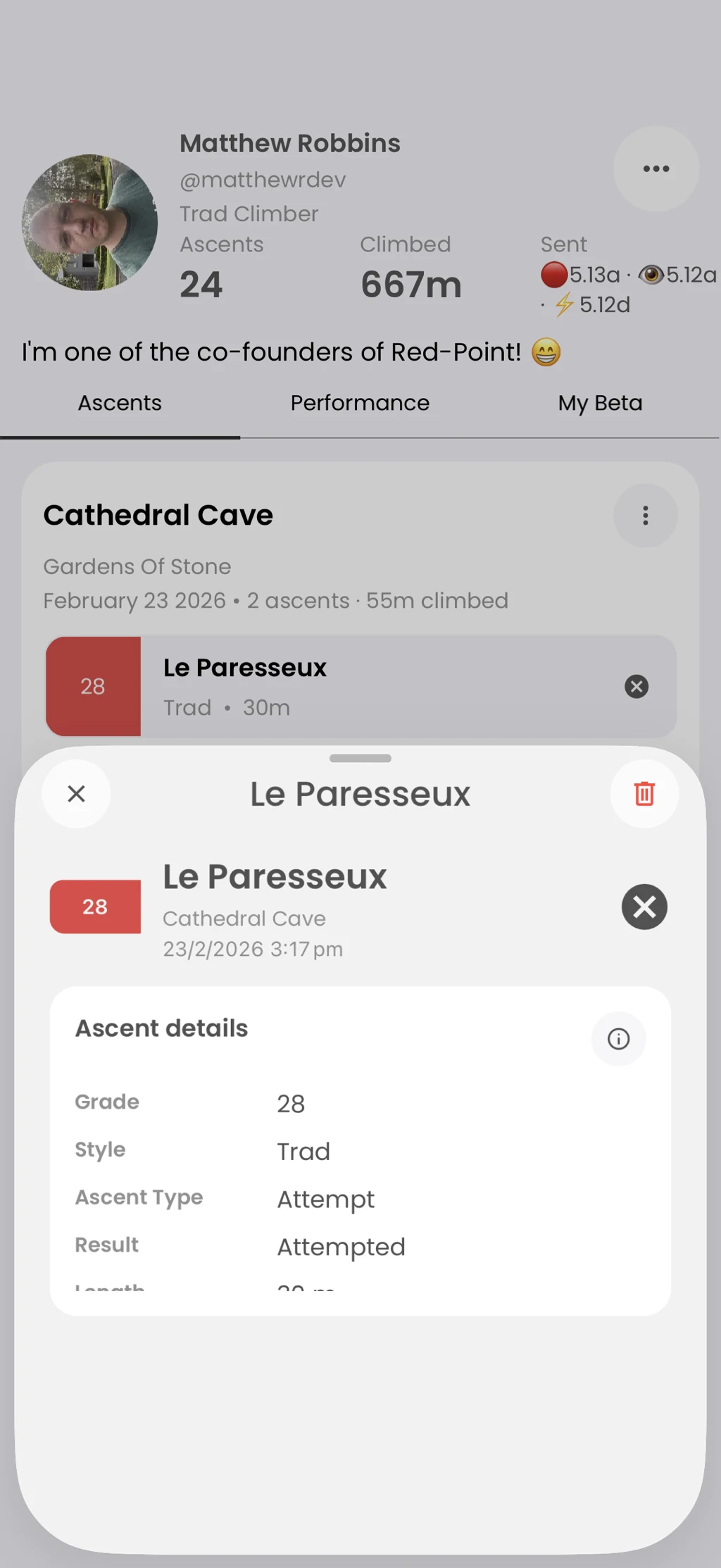
Log the climbs you do
Remember the day and the details behind each ascent.
Record a route, ascent result, grade, quality, and notes. Add multiple climbs to a session before submitting the day to your profile.
In the app
How it works
- 01
Open Log Ascents from your profile.
- 02
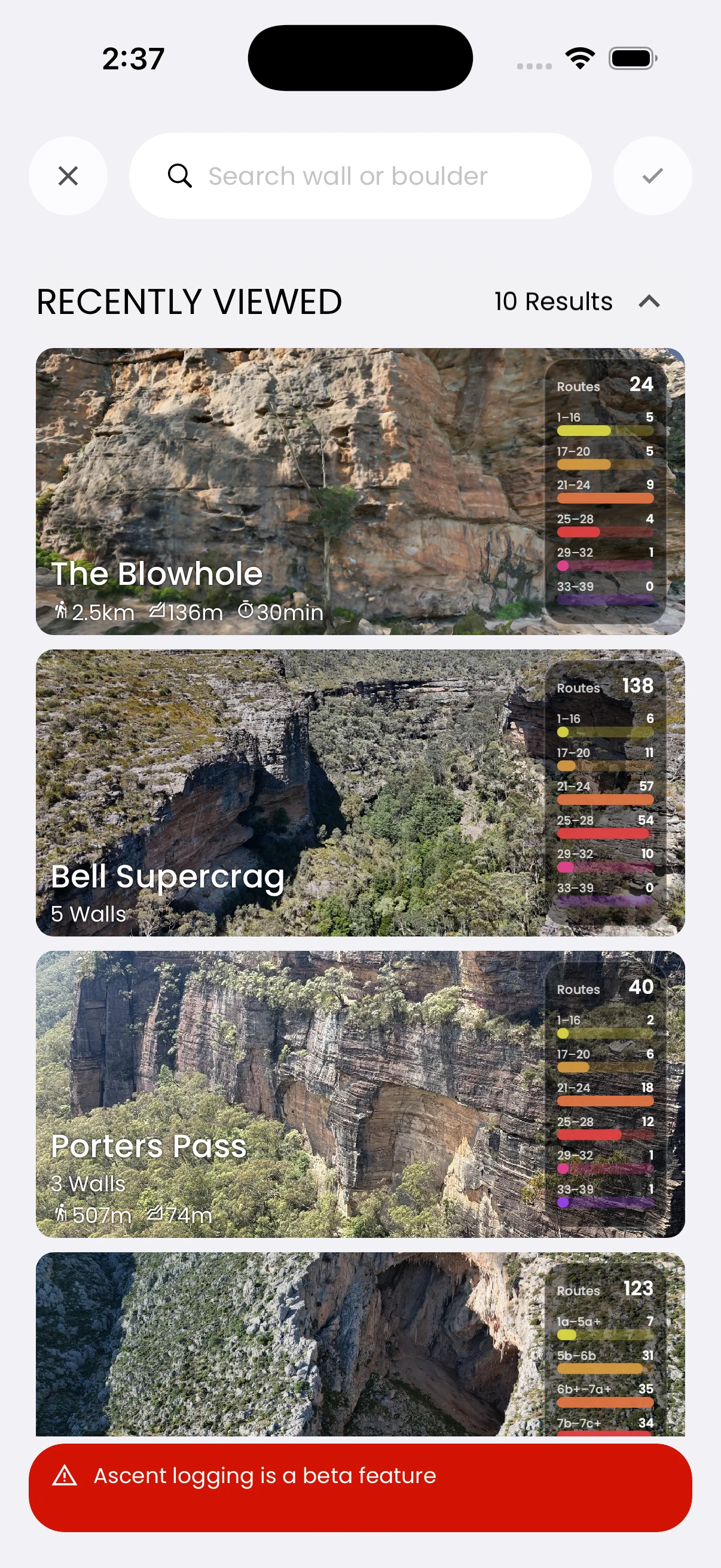
Find a route and add the ascent details.
- 03
Review the session and submit it.