Find your climb · Free
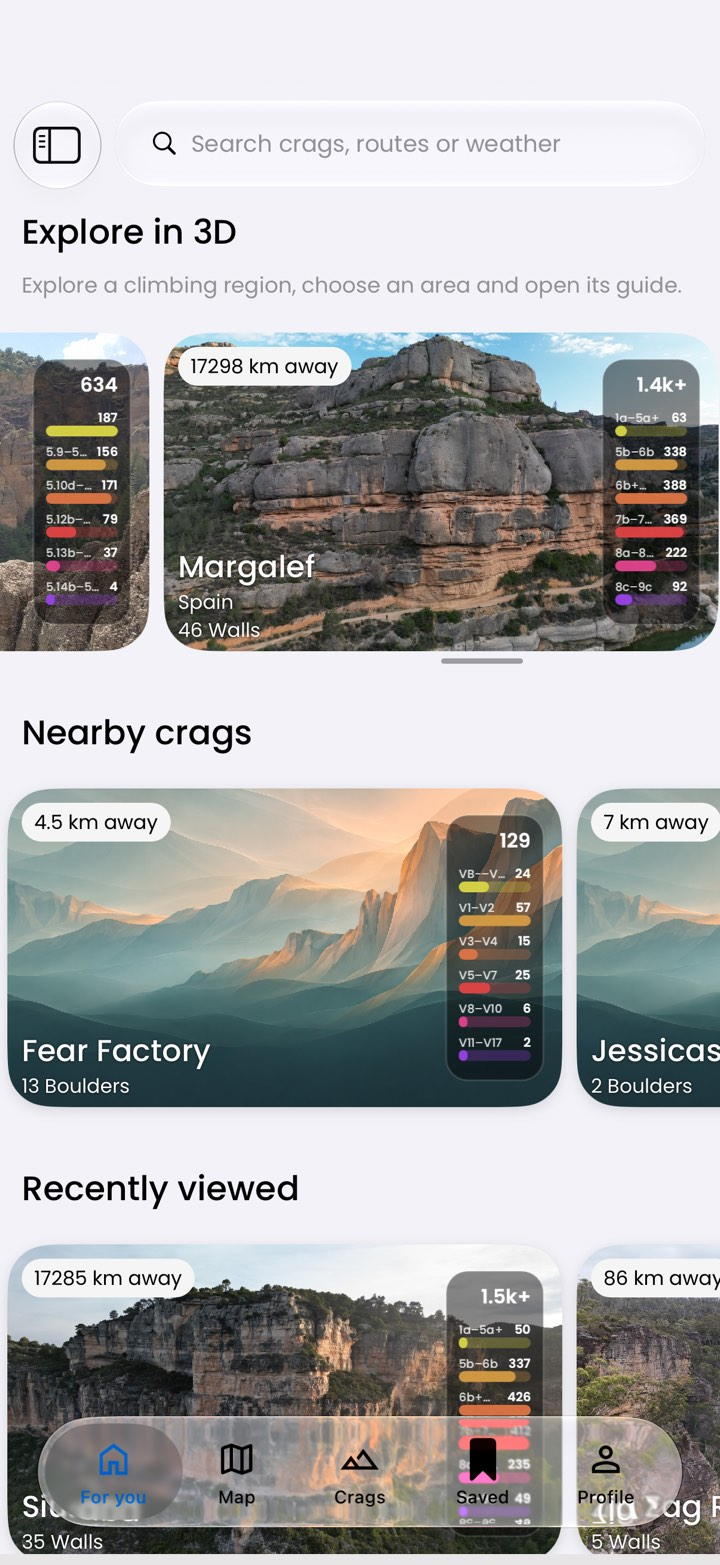
Explore regional 3D maps
See the bigger picture before choosing your next crag.
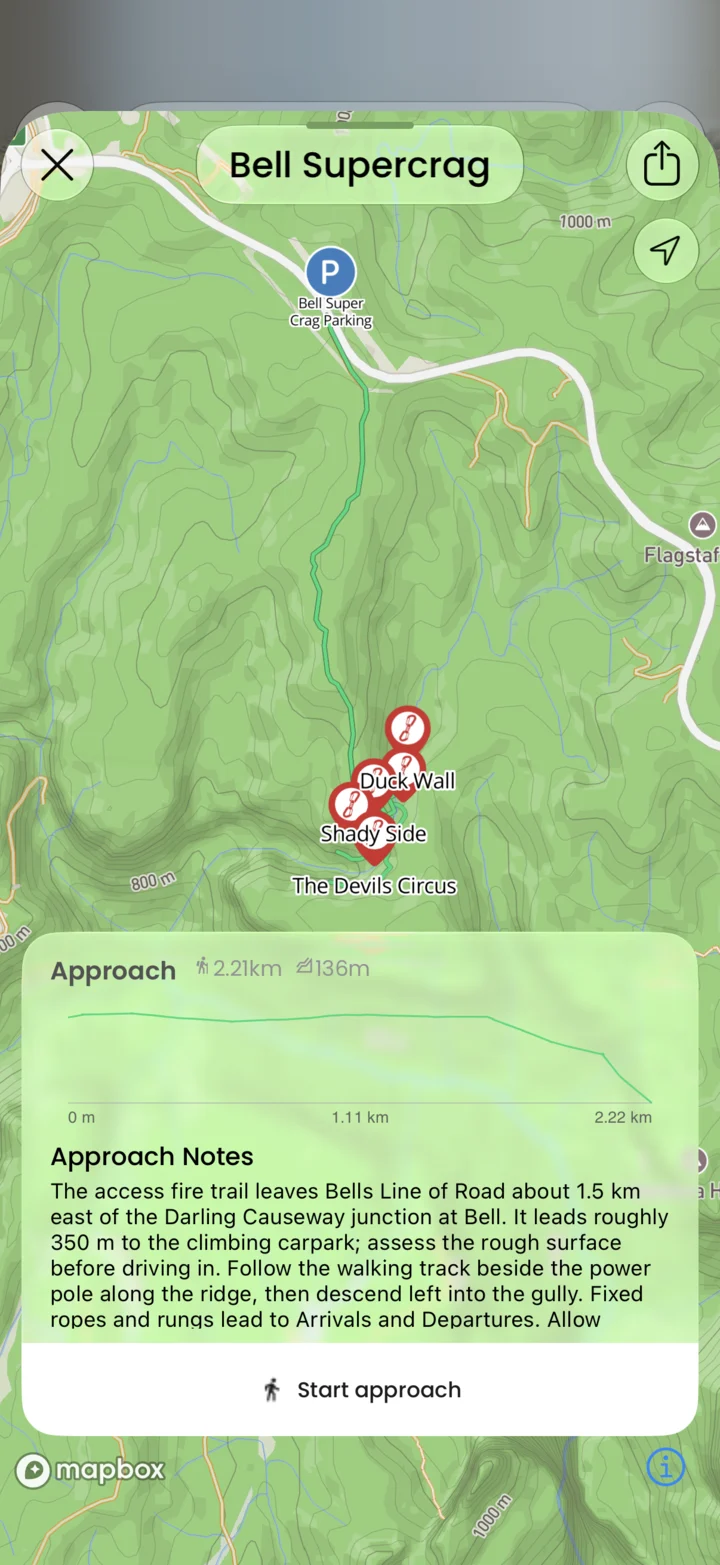
Explore a climbing destination in 3D, find its crags in the landscape, and jump into an area guide. A compass helps you keep your bearings, and the regional guide tour shows you around.
In the app
How it works
- 01
Open Explore in 3D on For You and choose a supported destination.
- 02
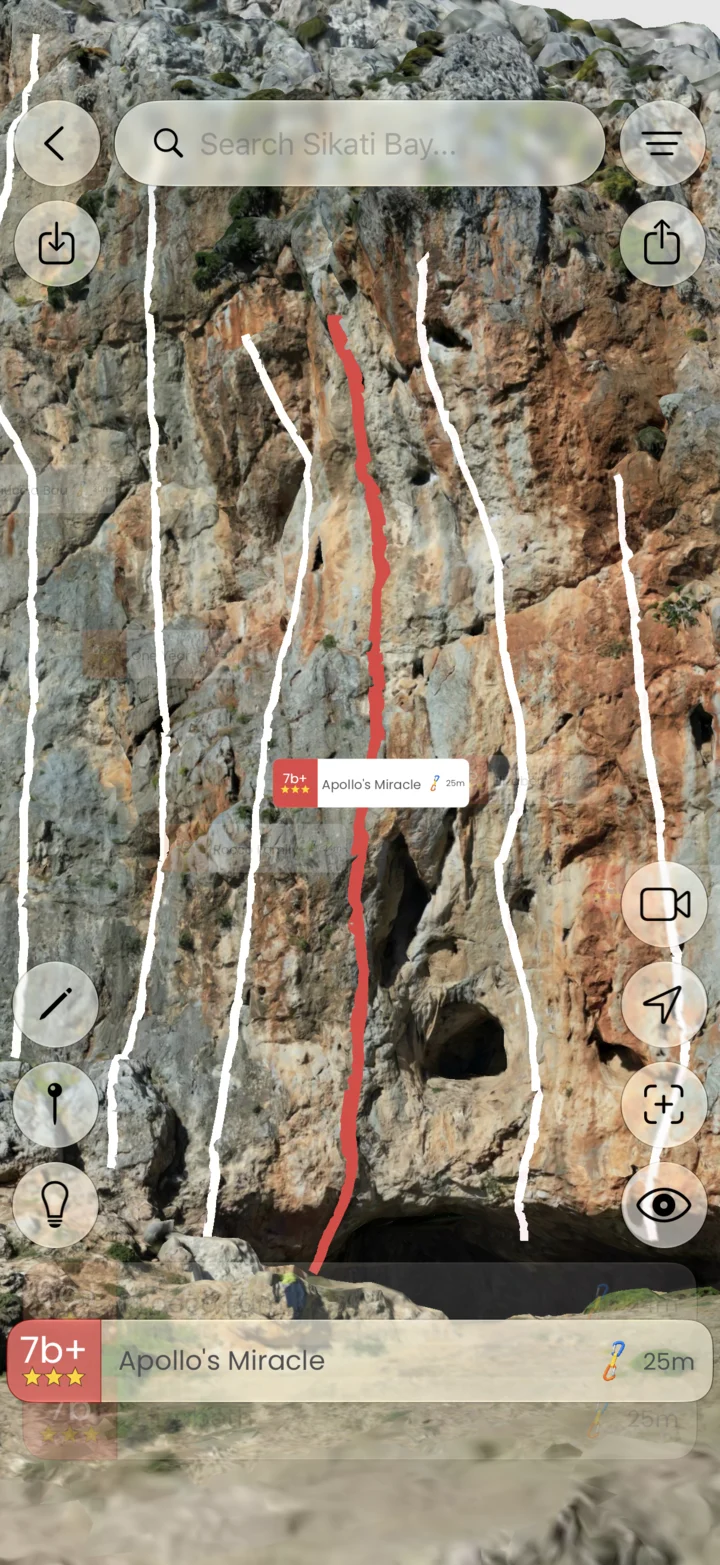
Move around the regional guide and tap an area to take a closer look. Double tap to zoom.
- 03
Open the selected area’s guide to explore its climbing.