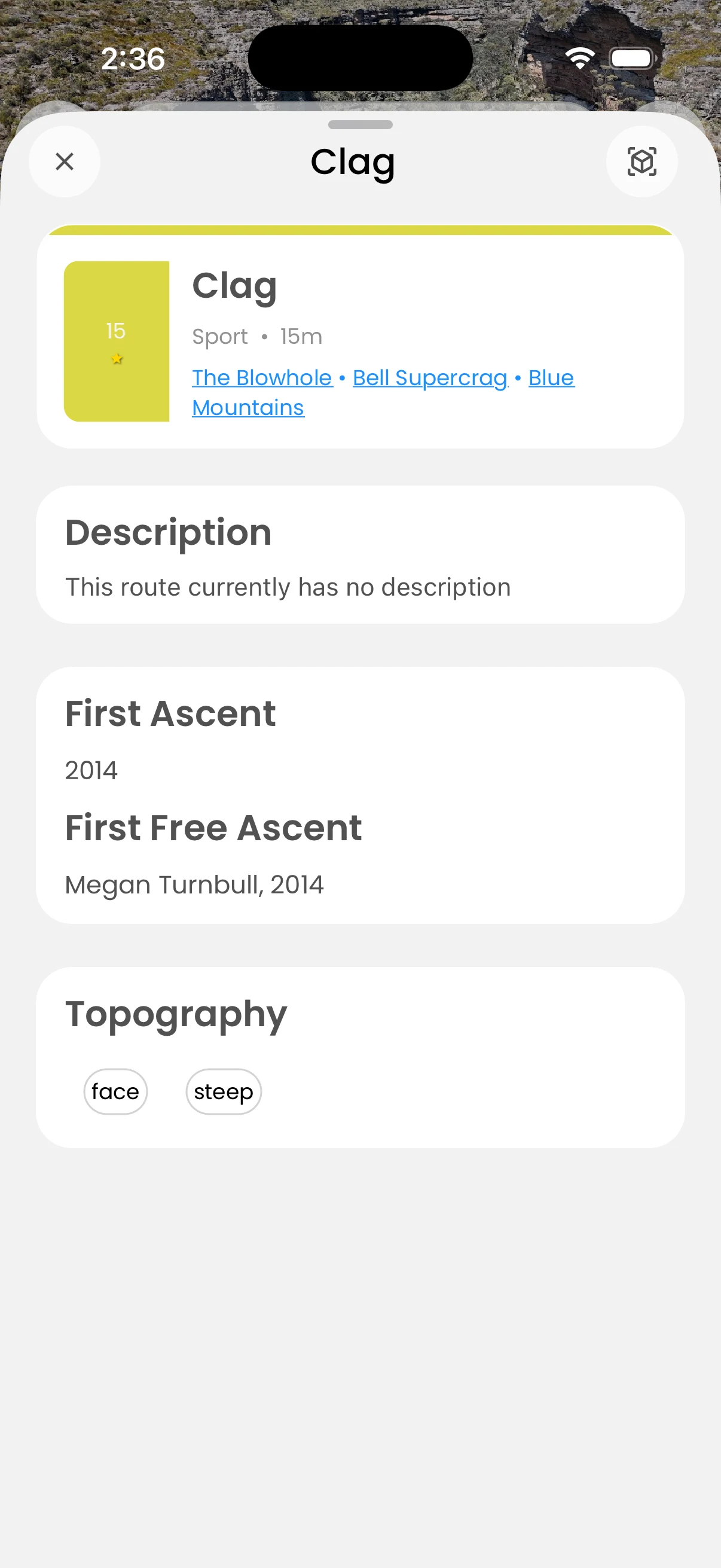
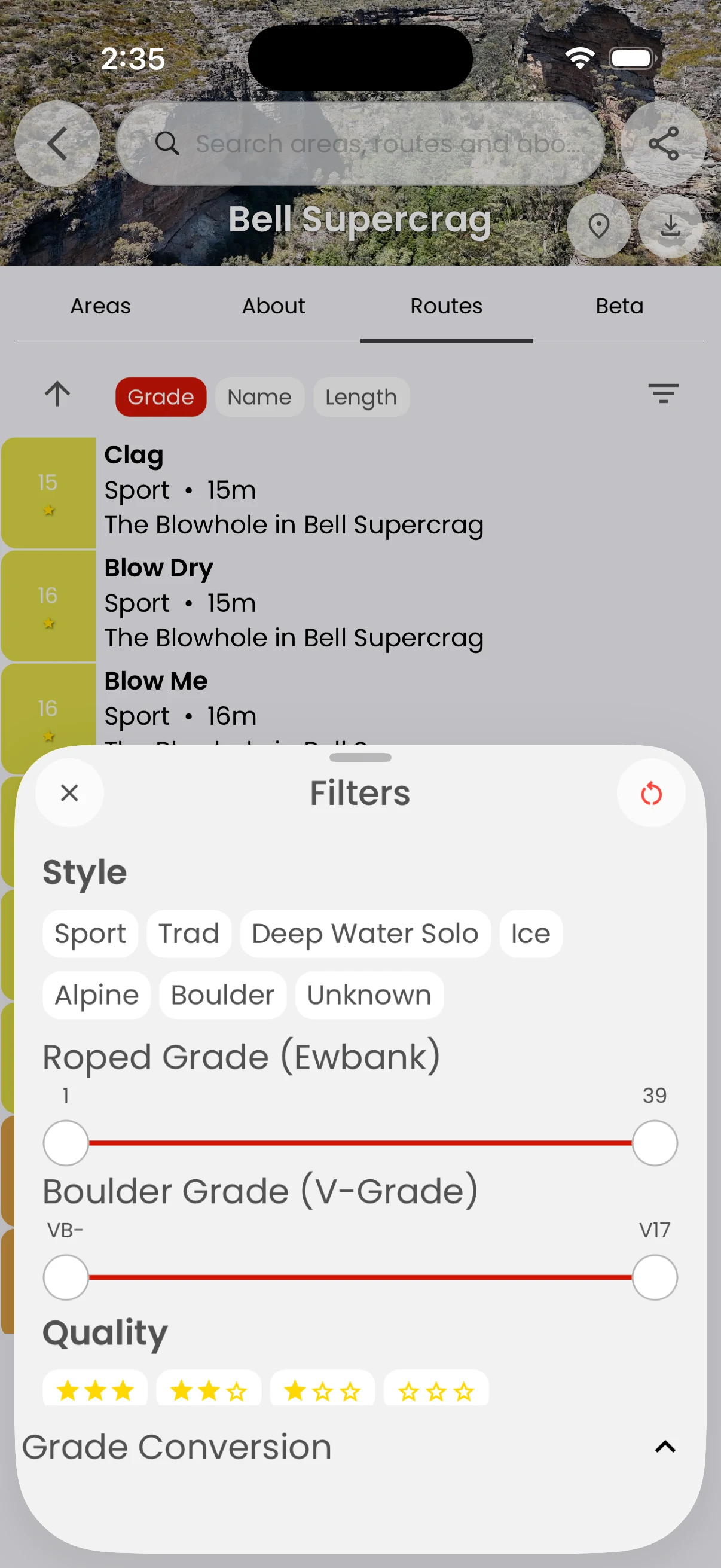
Find your climb · Free
Read grades in your system
Compare unfamiliar climbs more easily.
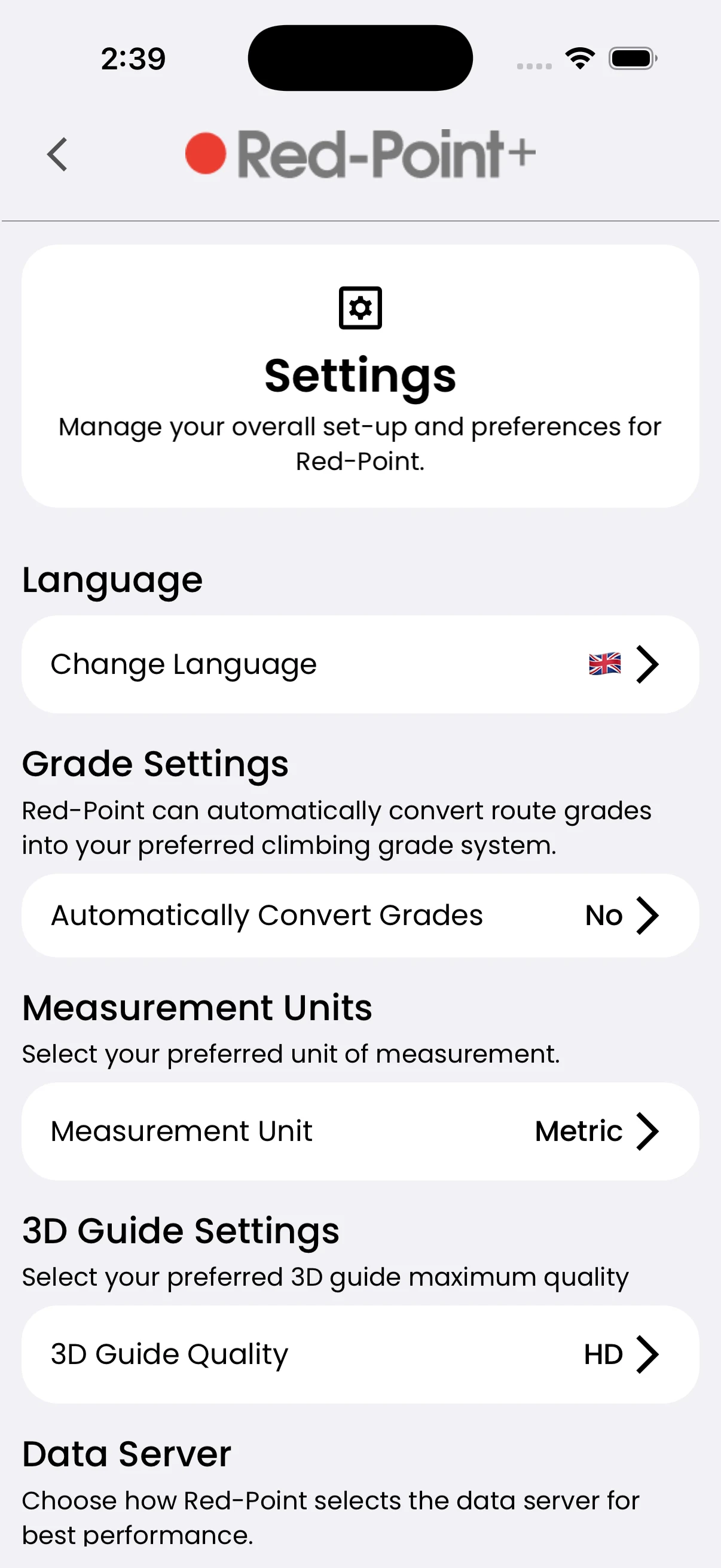
Choose preferred rope and boulder grade systems, enable automatic grade conversion, and set measurement units in app settings.
In the app
How it works
- 01
Open the app menu and Settings.
- 02
Choose your grade and measurement preferences.
- 03
Return to a route to see the preferred display.