Plan your day · Free
Follow your approach, at a glance
Keep your walking progress close while your phone is locked.
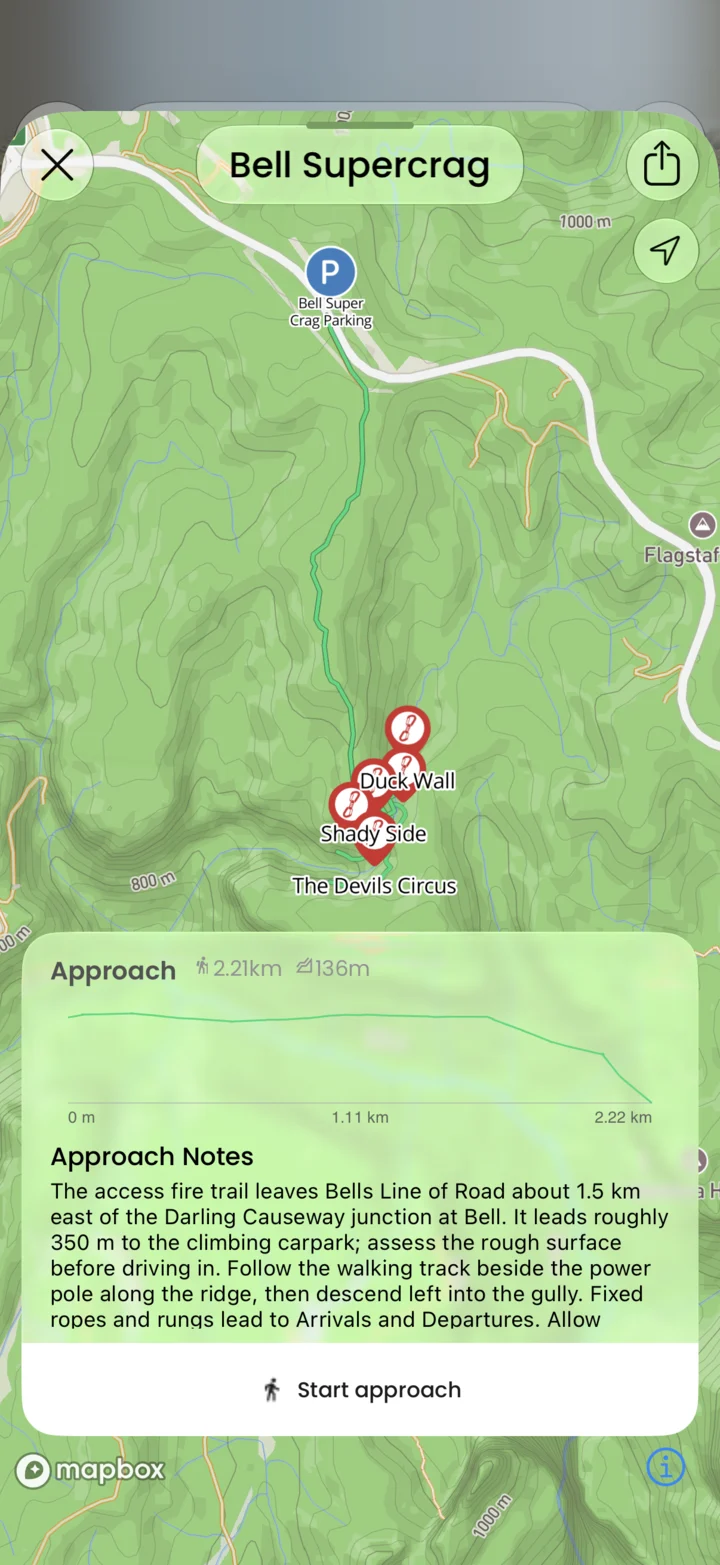
Start an approach from the trail map to track elapsed time, distance walked, and estimated time remaining. On supported iPhones, a Live Activity puts progress on the Lock Screen and Dynamic Island. Tap it to return to the approach.
In the app
How it works
- 01
Open an area’s About tab and expand its approach map.
- 02
Review the trail and elevation profile, then tap Start approach and allow the requested location access.
- 03
Follow your progress in the app or on your iPhone’s Live Activity. End the approach when you finish.