Find your climb · Free
Use the map your way
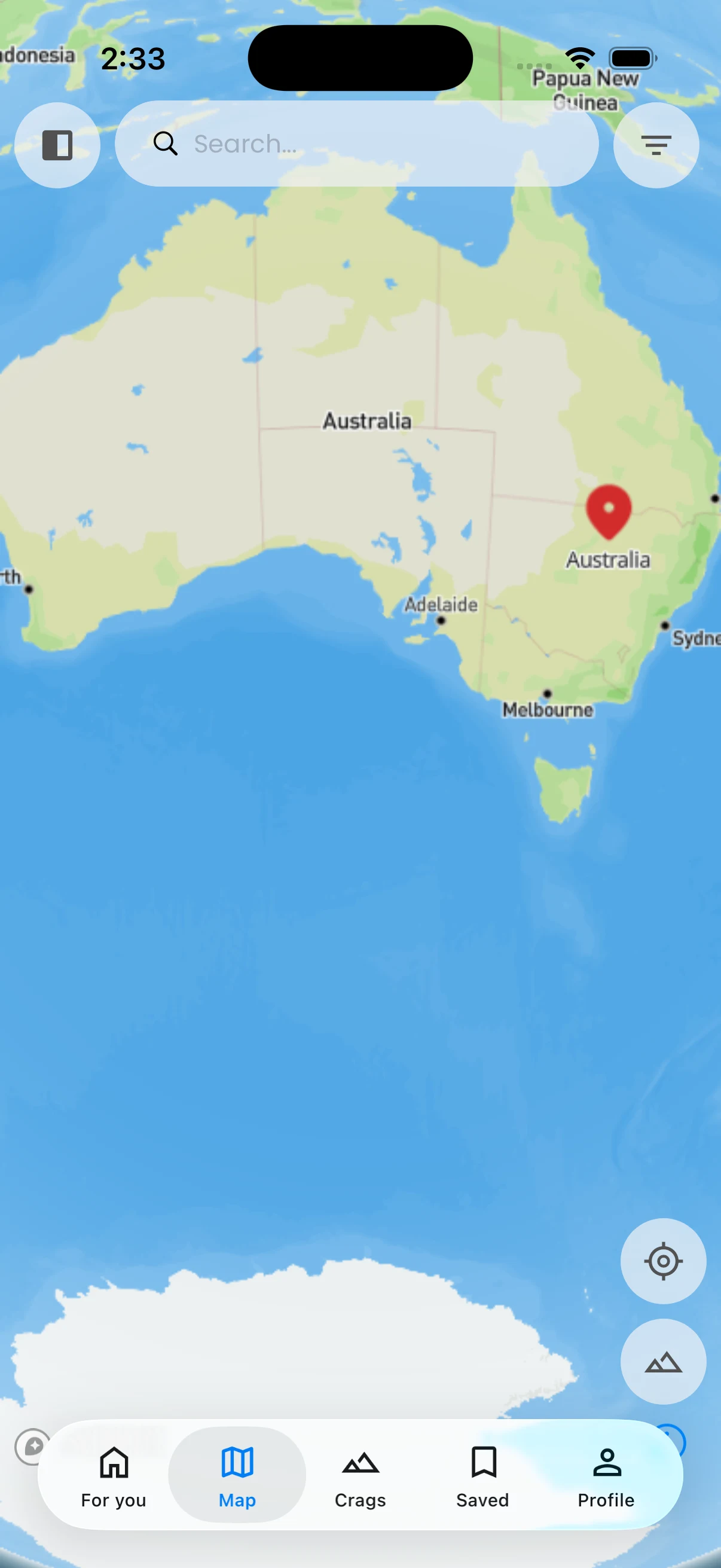
Get your bearings while exploring.
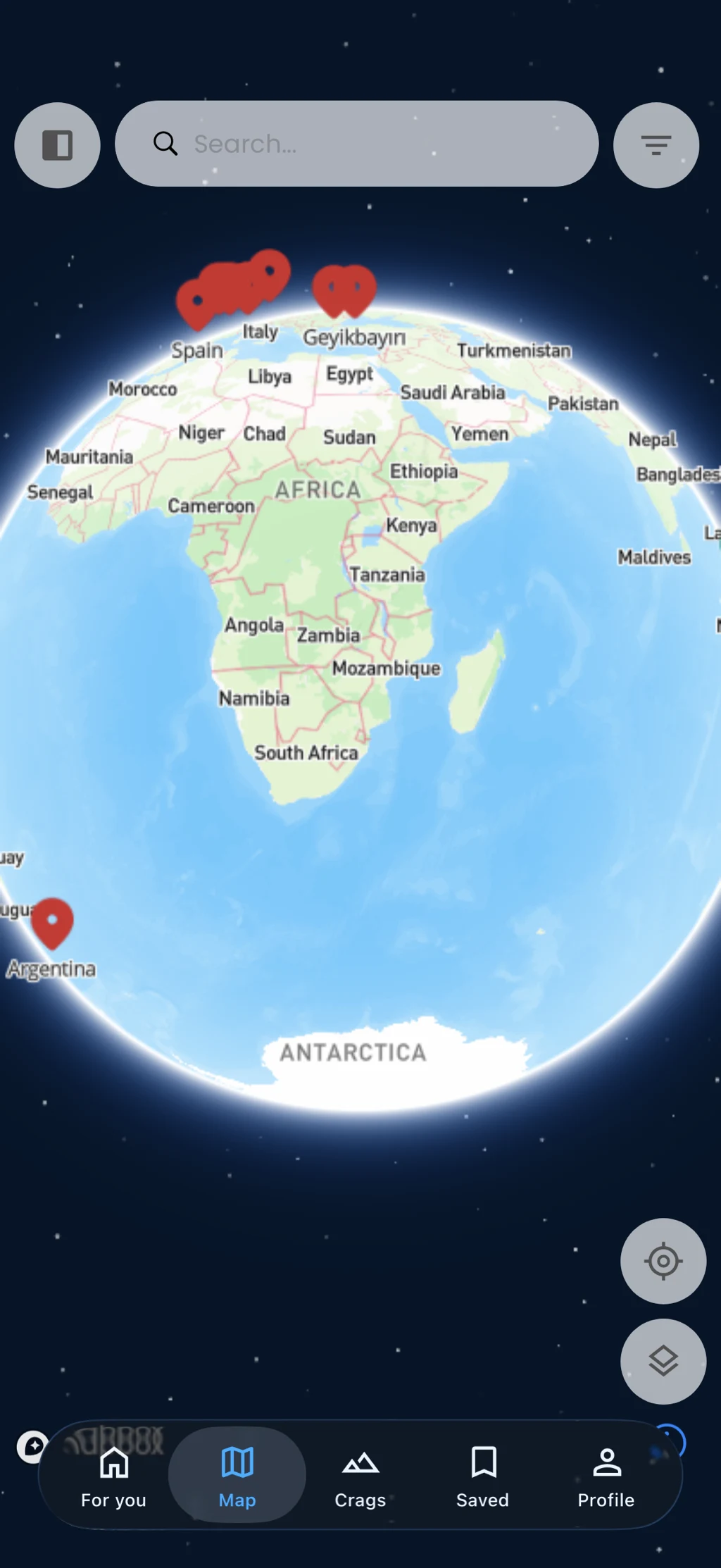
Switch the map display, focus your current location, and use available map measurement controls to understand distances on screen.
In the app
How it works
- 01
Open Explore and choose a map display.
- 02
Use the location control when needed.
- 03
Open measurement mode to inspect a distance.