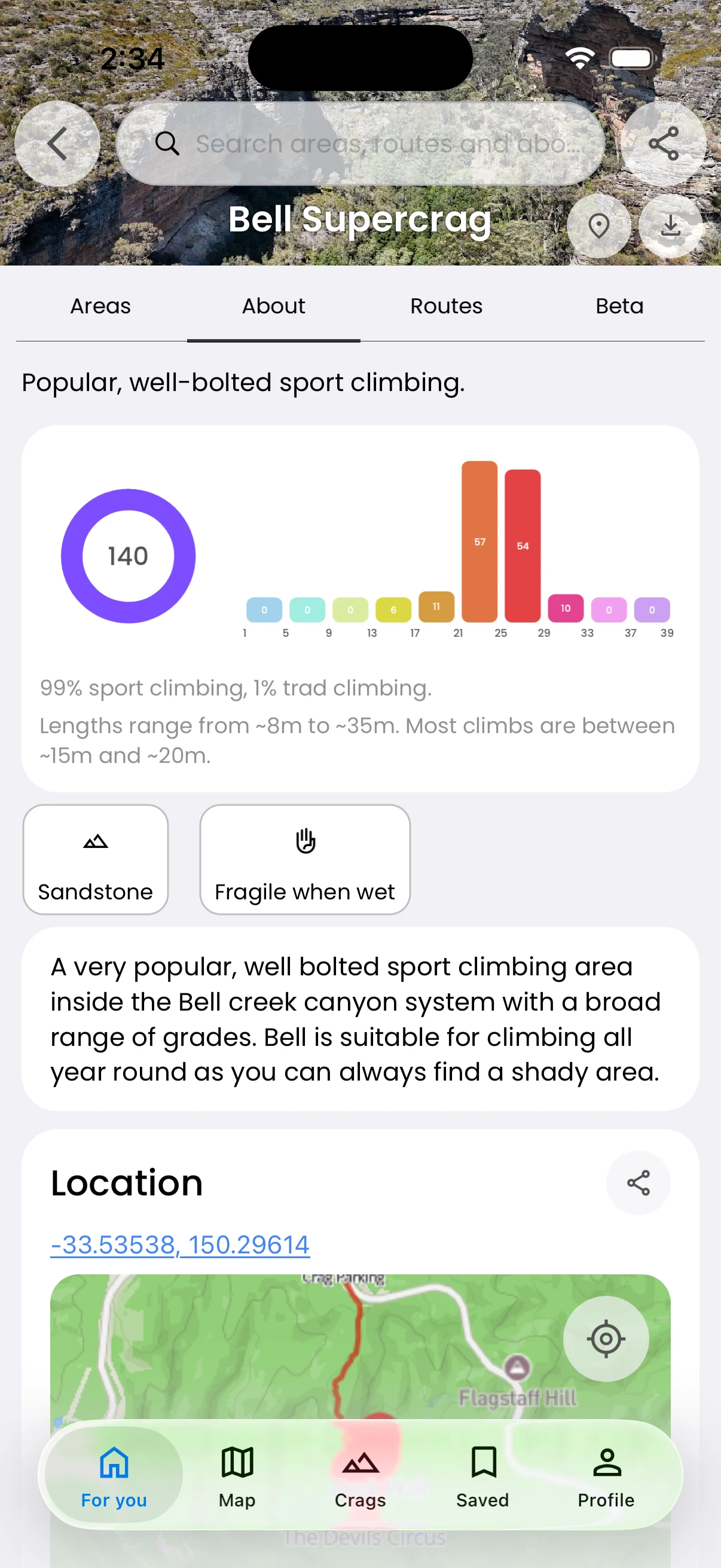
Plan your day · Free
Keep area documents close
Read useful local information with the guide.
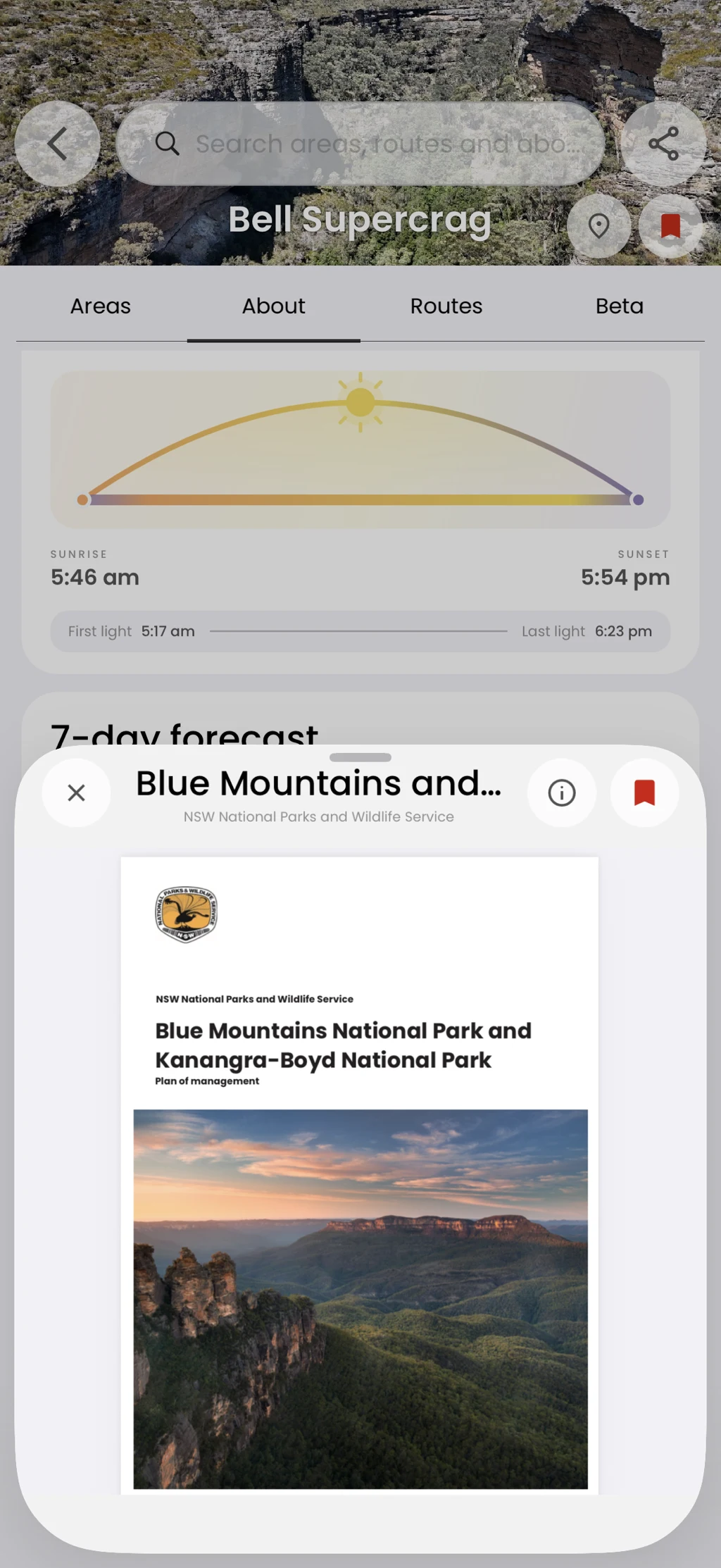
Some areas include linked documents such as PDFs. Open them from the area details rather than searching for a separate file.
In the app
How it works
- 01
Open the area Details tab.
- 02
Scroll to Documents when present.
- 03
Open the document and read it in the viewer.